Oh, and to add, the OSC Samplers are working, so I'm sure the audio routing is correct. Rekordbox plays the tracks visually but just no audio is being played from the speakers. Booth monitor doesn't have any indication of audio coming through the mixer as well
Publicação
SeguirDDJ-RZ Driver Problem?
Hello Team,
Just got my hands on a DDJ-RZ. However I am facing the following issues
1) USB Indicator is flashing
2) DDJ-RZ Setting Utility does not seem to detect the controller
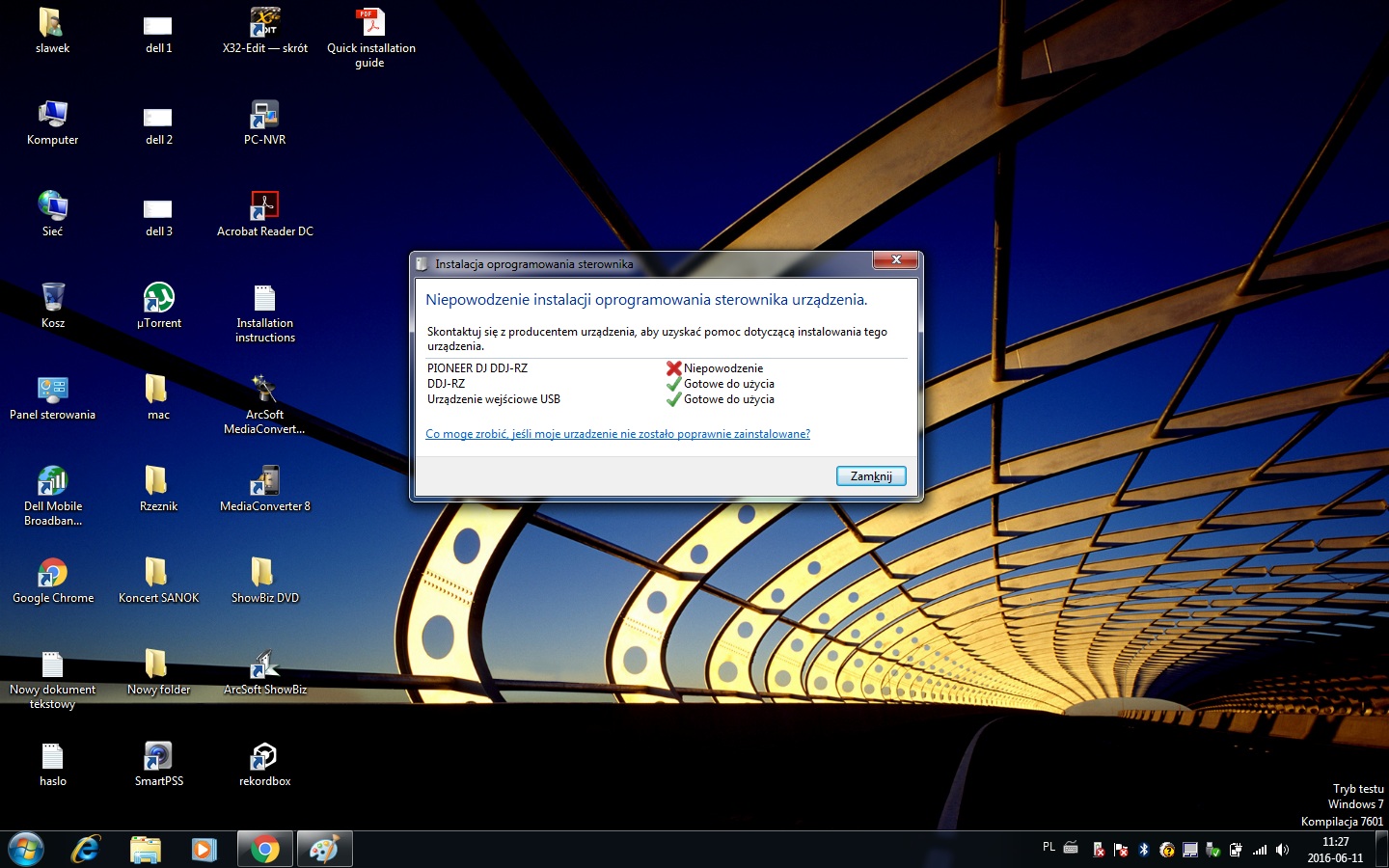
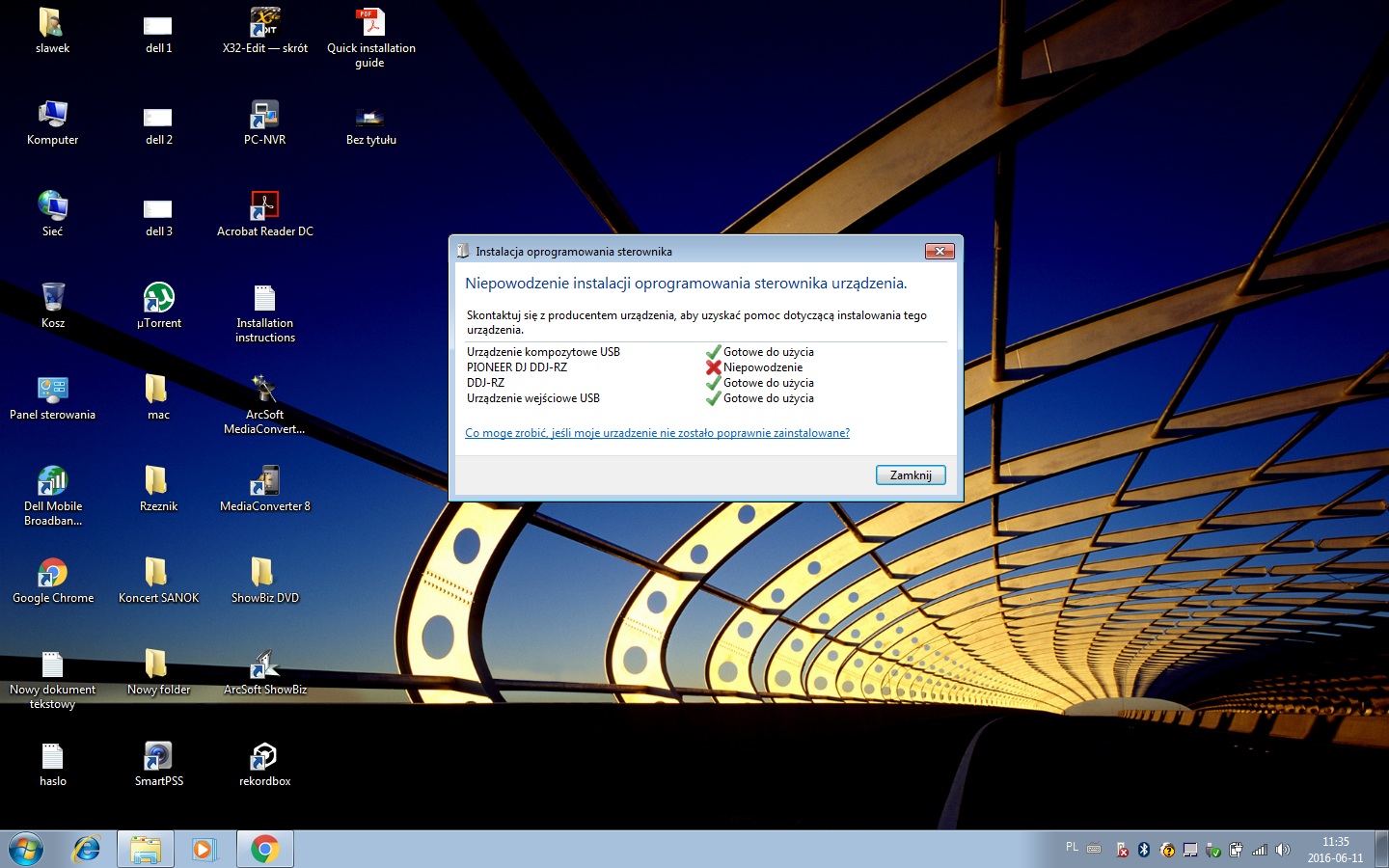
3) PIONEER DJ DDJ-RZ Driver was not installed successfully and it is listed as failed
Troubleshooting done
- USB cable Direct to PC, not using any hub
- Tried 3 different USB ports, with the same problem
- Uninstalled and reinstalled drivers with reboots, still no go
Specs
- Windows 7, 64bit
Screenshots
[IMG]http://i61.tinypic.com/118pz0n.jpg[/IMG]
[IMG]http://i62.tinypic.com/2z3njb5.jpg[/IMG]
[IMG]http://i62.tinypic.com/1ypd28.jpg[/IMG]
Is there anyway I can get my hands on the inf file to update the driver?
Publicação fechada para comentários.
9 comentários
Ok, this is resolved.
For those facing this problem, proceed with A27 from FAQ - http://site2.pioneerdj.com/support/product.php?c=649&lang=en&p=DDJ-RZ&t=faq
- Disconnect the DDJ-RZ from the USB port. Do not connect the DDJ-RZ via USB until the driver software is reinstalled.
- Uninstall the driver software and restart the computer.
- Right-click the installer file of the driver software and open its properties.
- Click the "Compatibility" tab and then click "Display the settings of all users". image
- In Compatibility mode, check if the "Run this program in the compatibility mode" check box is selected. If it is selected, deselect the check box and click "OK". image
This didn't work initially but a second reboot worked
Per the FAQ, always install the drivers before connecting the hardware. Saves tons of headaches later.
Glad you got it working! :)
Hi Pulse,
I'm facing exactly the same issue and encountering the same screenshots running Windows 7.
I have tried the above steps numerous times as well as the steps detailed in A26 with no success.
Have you any further suggestions that you might be able to advise?
Thanks,
Keith.
@Keith > Had you ever connected the RZ to your computer BEFORE installing the drivers the first time?
Hello. I have the same problem with installing the controller drivers . Nothing helps even formatting the drive and installing Windows from scratch and repeat the procedure. For me it is incomprehensible problem and I have no idea where it comes from . With Serato has never been such problems . Rekordbox is very problematic or in OS X or Windows . Please company to pioneer officially referred to this problem as it is a serious problem .

The second installation attempt again failed. Everything I do as installation instructions . Please let me now Pioneer will tell you exactly how to solve the problem and where it comes from. Given that it is a very expensive controller that I should not have such problems during installation. Regards
Slawoslaw - The only way I found to circumvent the issue was from a generic search on Google regarding drivers not from Pioneer...
1. Uninstall DDJ-RZ driver
2. Before Windows starts keep pressing F8 then select 'Disable driver signature enforcement'
3. Install DDJ-RZ driver
4. Connect DDJ-RZ
(Note these steps have to be repeated every time as Windows will not 'Disable driver signature enforcement' upon restarting - before I shut down the computer I uninstall the DDJ-RZ driver each time. It's not ideal but this is the only solution I have found which works as I can no find reference to this within any of the help forums)
@Keith > One of the reasons this happens is over a year ago, Pioneer DJ was still part of the Pioneer Electronics Corporation, and as such, all of their drivers were signed with the certificate for Pioneer Electronics. After the separation, all subsequent drivers were being signed with Pioneer DJ, but as many users hadn't updated Windows, which would update the certificate database on their computers, the certificates don't match, causing this error to occur.
It should also be pointed out that the mainstream support for Windows 7 ended January of 2015. This could mean that Windows 7 simply isn't receiving updates to the certificate registry, even if extended support runs through 2020.
This problem is not necessarily one that Pioneer can fix for you - Windows 10 is offered to virtually all Windows users, and while your computer may not be new or fast enough to run it efficiently, that would also indicate that your computer may also be due for an update to run DJ software efficiently.