Have a feature request or suggestion? Post your idea here!

Publicação

5 seguidores Seguir
0
Avatar

standard notation to camelot wheel easily?

hi

I would like to change the standard notation in which the key of my tracks has been analysed into camelot notation. 

will i have to go through every single track individually and change it and then change it every time a track is imported or is there a way to assign each key to its corresponding camelot notation automatically? so the ones that are analysed already and are standard notation would change to their corresponding camelot keys and when a new track is imported and analysed instead of saying C major (for example) it would automatically say 8b

ive looked all over rekordbox for some kind of key setting so i can type in the respective camelot keys in place of the standard so each track will change their assignments but cant seem to find one

thanks

Henry Browning

Publicação fechada para comentários.

5 comentários

0
Avatar

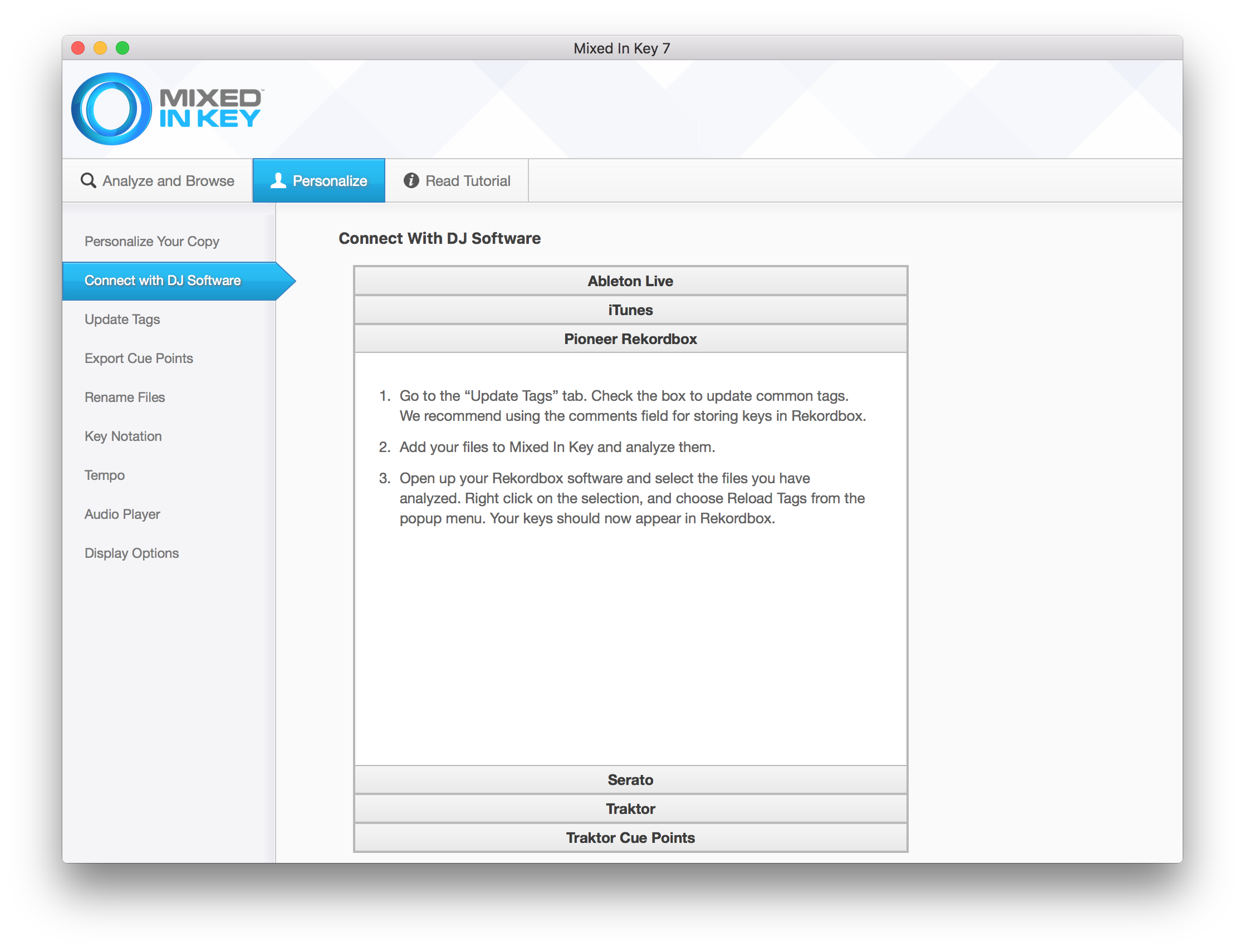
I'm using Mixed In Key and the Camelot notation.

In my rekordbox dj preferences I've unchecked the everything under Key Analysis.

And here's my Update Tags settings in Mixed In Key 7 (Mac OS X)

You could try the following:

  1. Re-analyze all of your tracks with Mixed In Key (test with a couple of tracks first!!!)
  2. In rekordbox dj, select all tracks in your collection, right click and select Reload Tag.
  3. It should now be updated with the Camelot notation.

Hope this helps!

oakstream 0 votos
Ações de comentário Permalink
0
Avatar

I am going to try this method tomorrow. Thank you! It's been bugging me for months. I'm worried about the settings in MIK though. About a year ago it re-wrote my entire library and made duplicates... basically when I was playing on Traktor it couldn't find my songs because I had rewritten them by adding the key. Will this happen with Rekordbox?

eddie_stewart 0 votos
Ações de comentário Permalink
0
Avatar

Be sure to test it with a couple of track first before you do it on your entire collection!

It worked fine for me :)

oakstream 0 votos
Ações de comentário Permalink
0
Avatar

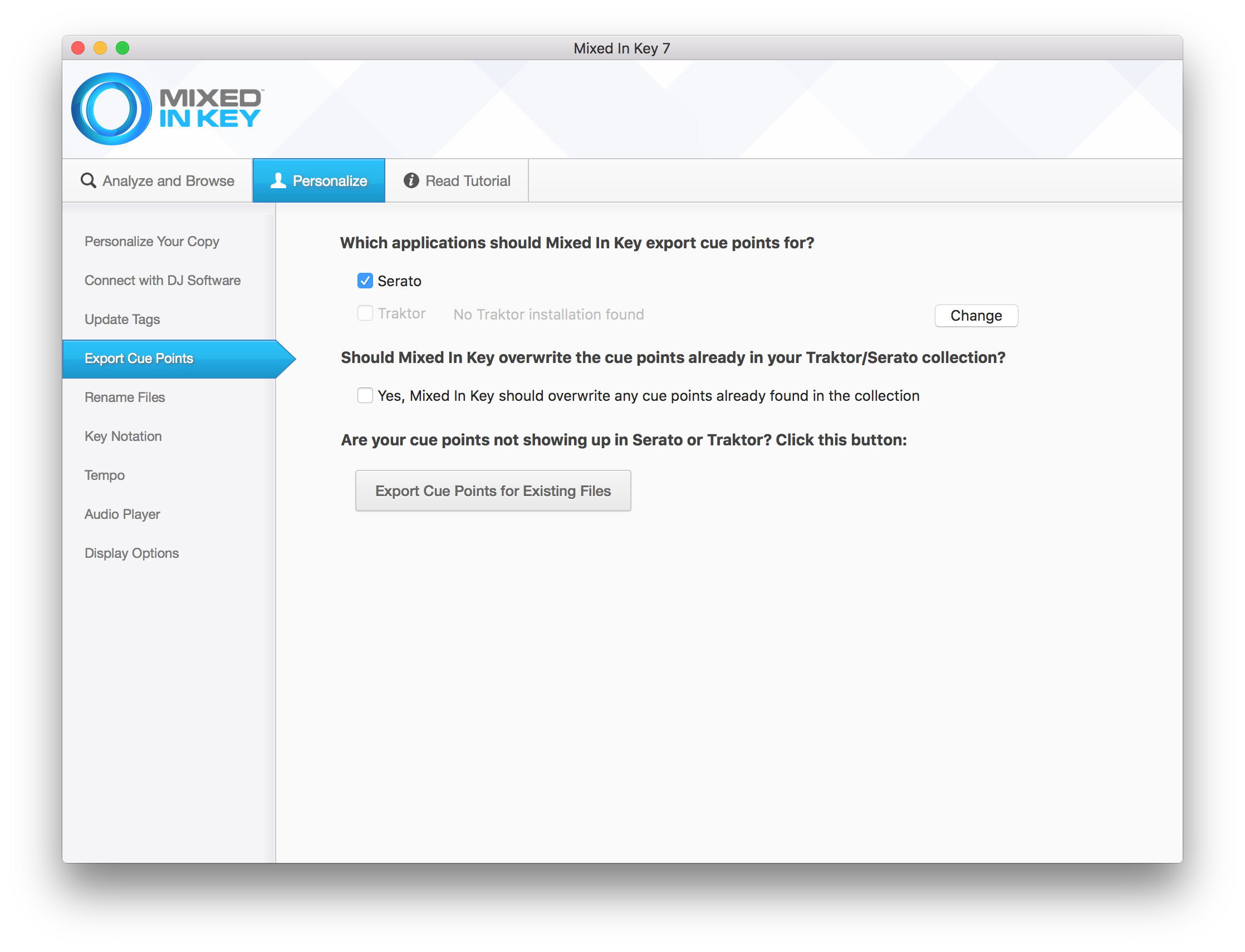
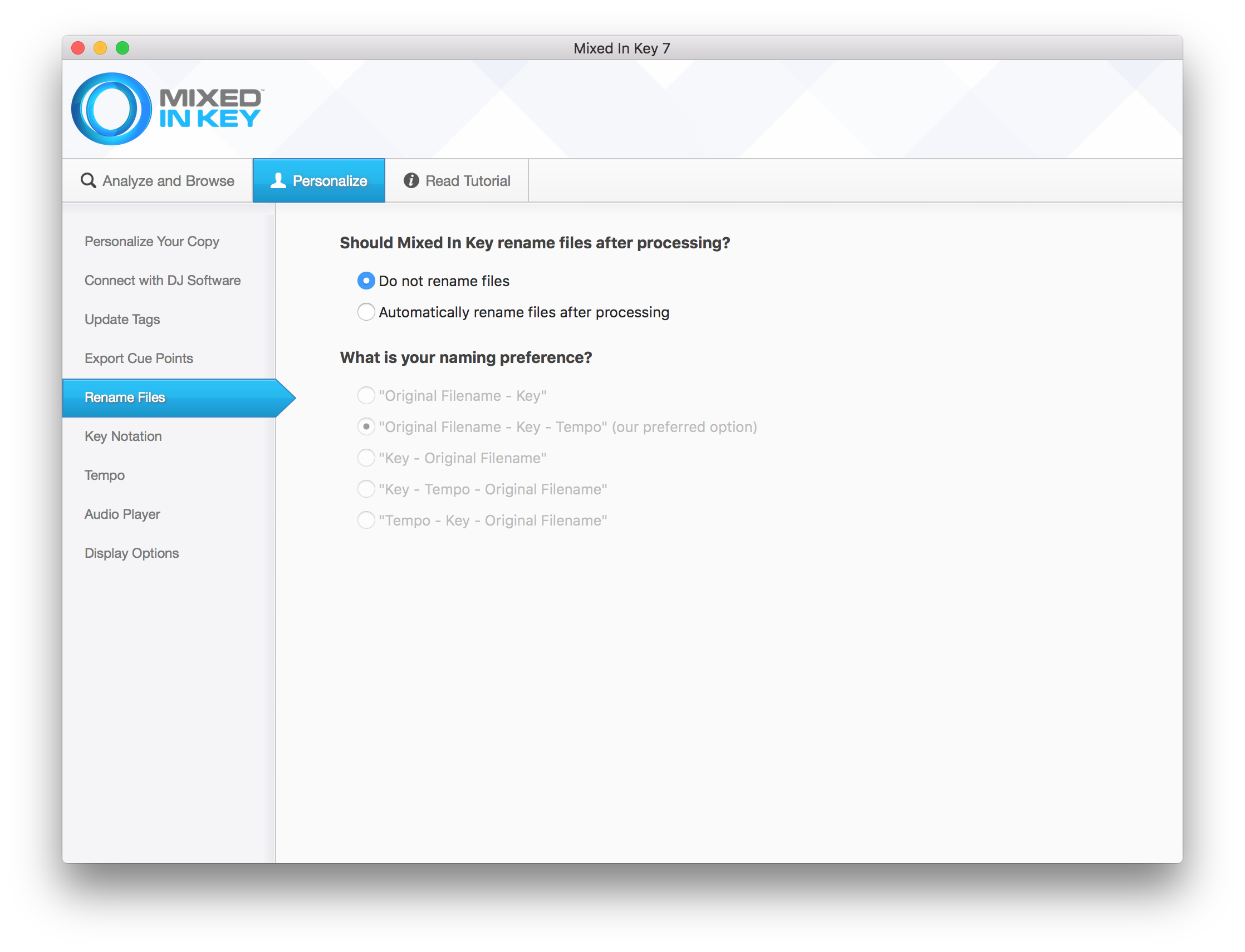
And DO NOT rename the files in MIK, just update the Tags.

Here's a couple of more screenshots of my settings. I'm not using Serato anymore but it's still checked under Export Cue Points and it works fine.

Hope this helps :)


oakstream 0 votos
Ações de comentário Permalink
0
Avatar

Would be nice to have camelot support option directly in Rekordbox. This is very simple to implement...

Toby82 0 votos
Ações de comentário Permalink