Comentário oficial

@Jay > A couple of reasons why this might have happened..
1) The operating system mounted the drive under a new letter because the previously automatically assigned drive letter was in use. This only happens on a Windows OS, to avoid it in the future, permanently assign it a drive letter further down the alphabet (eg "M:" for "Music").
2) You moved something without realizing it.
3) (The least likely based on your description.) You use iTunes and it is set to manage the location of your files; if you changed some information and thus moved the songs to a new folder.
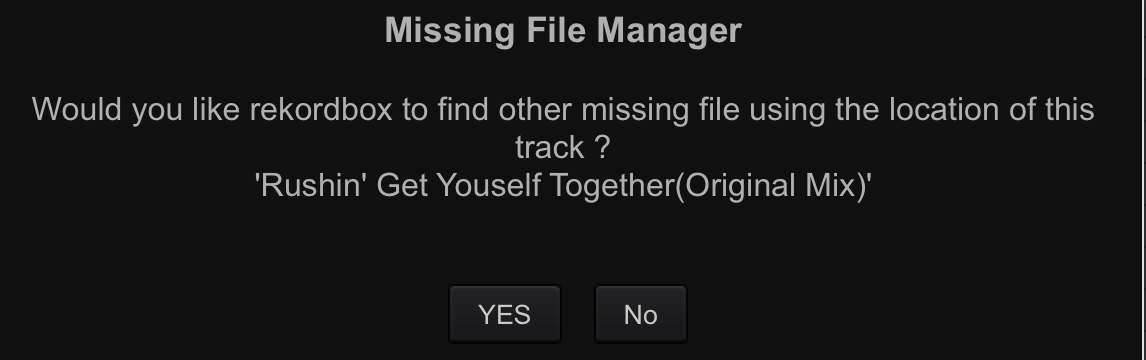
The easiest way to relocate all missing files -- open rekordbox, in your collection select ALL files (CTRL+A on PC, Command+A on Mac) and then from the menu select Track > Relocate. This will prompt you to find ONE file (the name will be shown at the top) and after you successfully relocate that one track, you will be prompted if you want to relocate all other songs using the same change.