
Confirmed that DDJ-RZ drivers can be installed on Windows 10 (64-bit). Have you tried testing the board yet after attempting the driver install?
Ações de comentário

Hi,
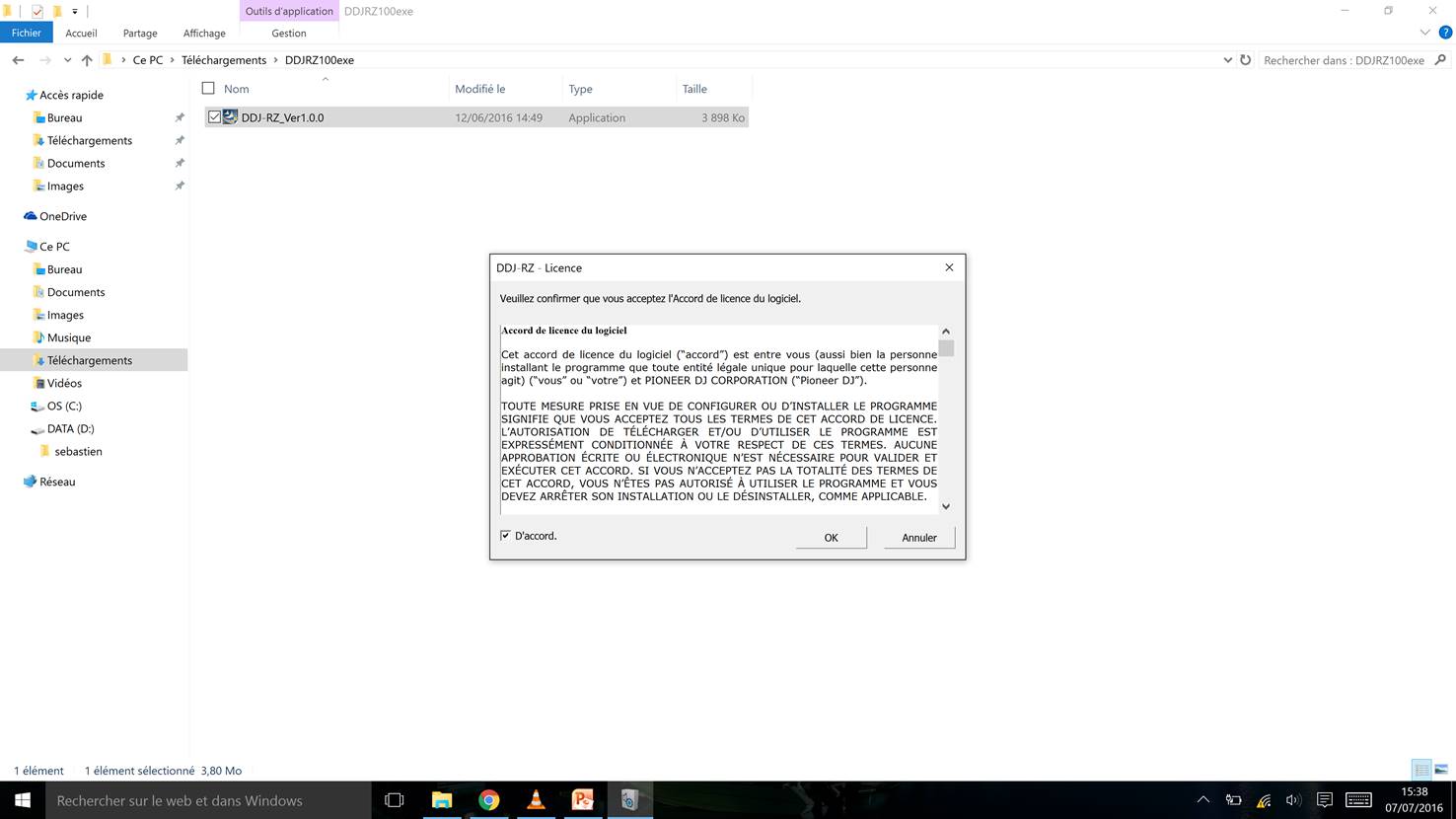
Following from the topic #9147, the problem is not solved. It's impossible to install the driver DDJ-RZ_Ver1.0.0.exe.
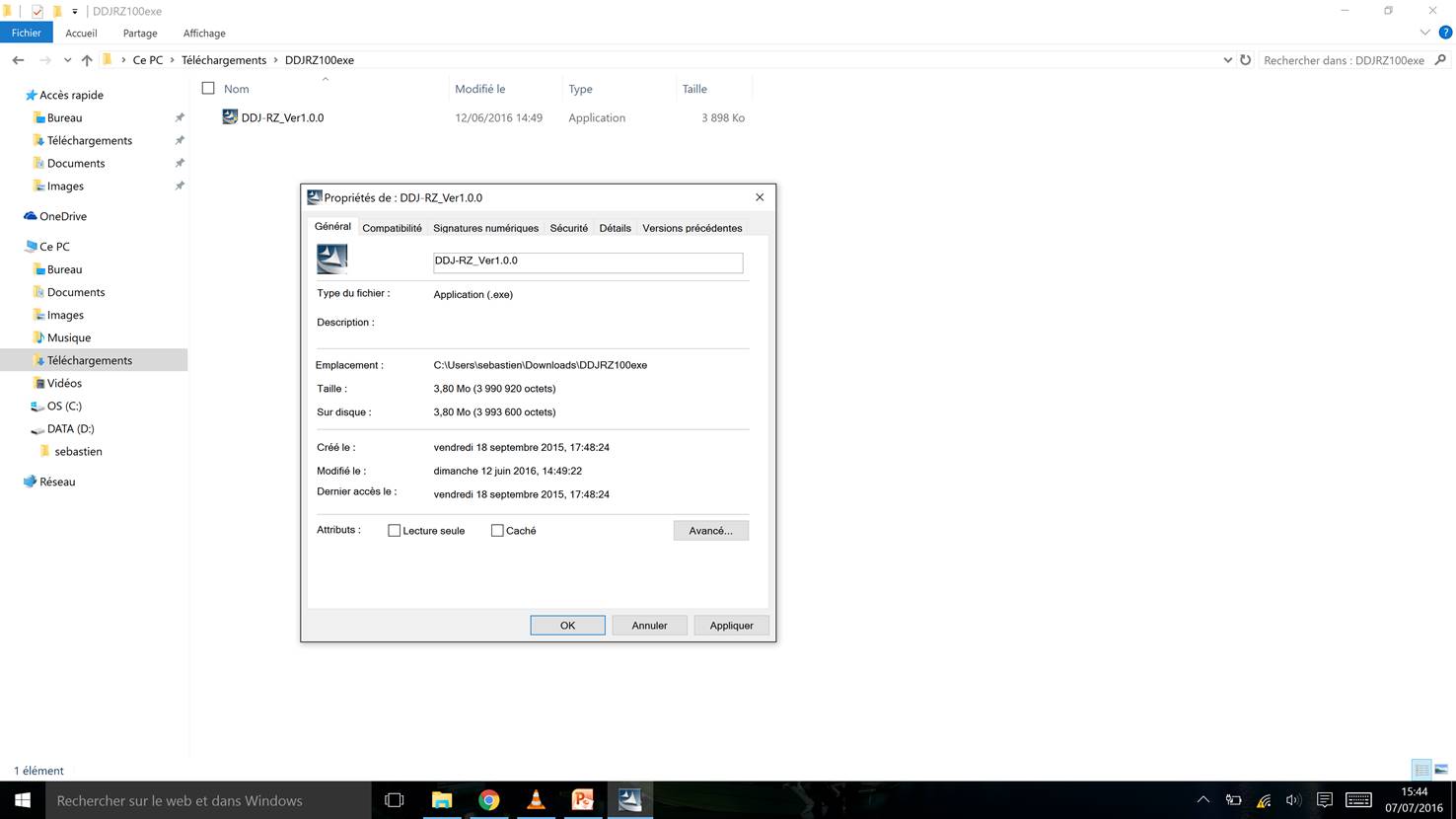
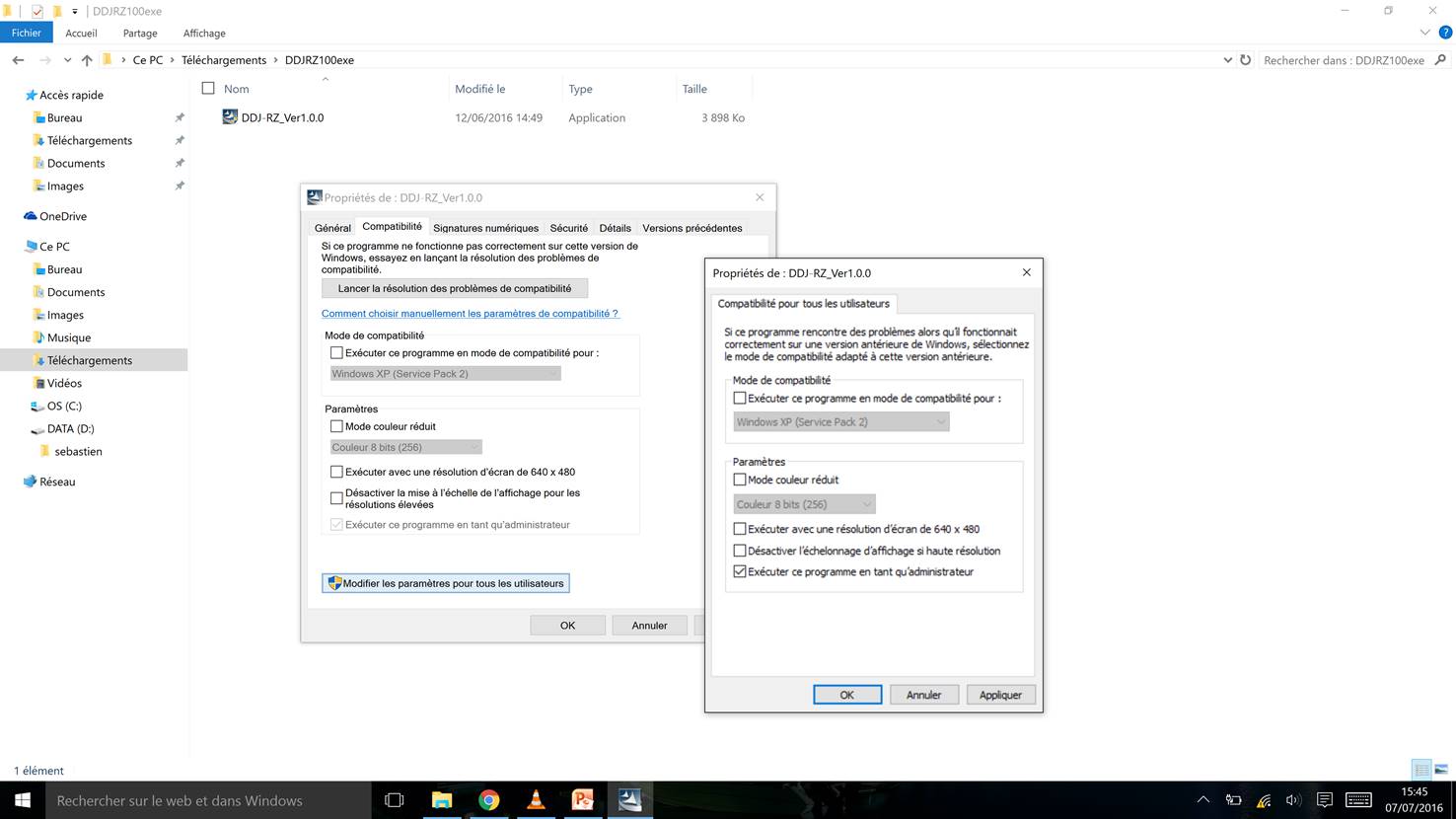
So, be sure I follow all your instructions : I have administration rights, I had uninstalled the driver before, and I never had any problems of installation with windows 10.
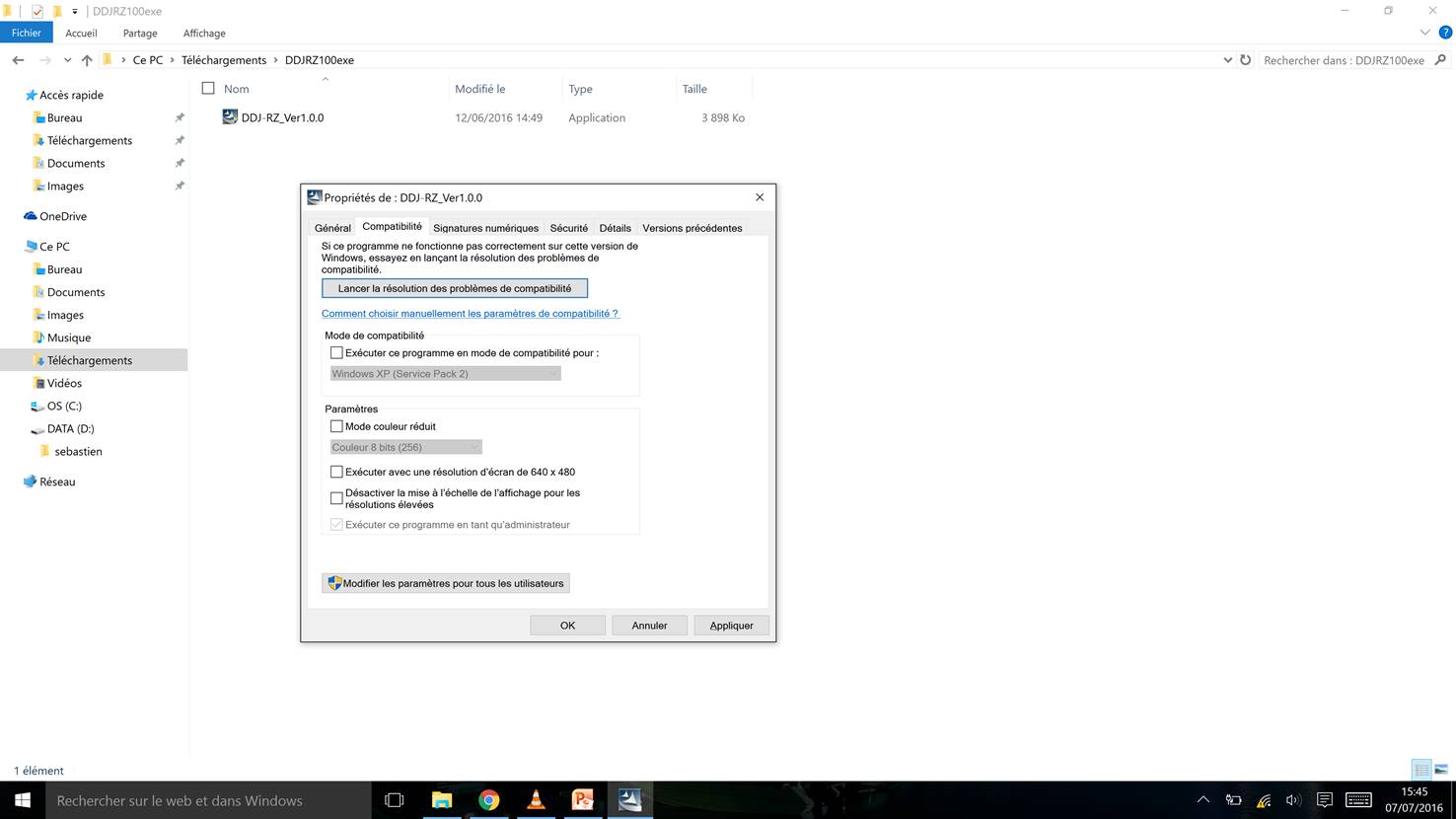
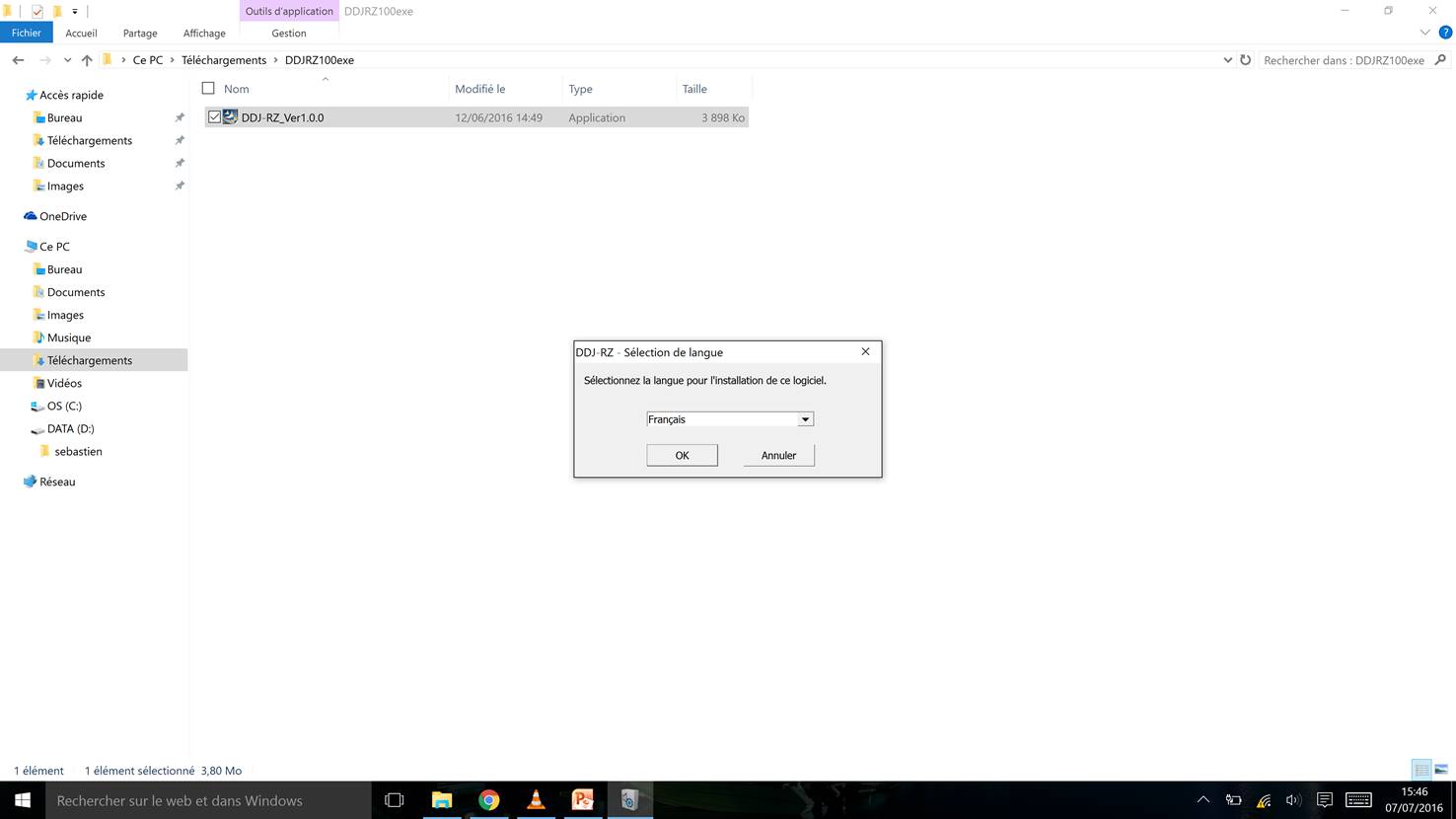
I took screenshots showing you my configuration.
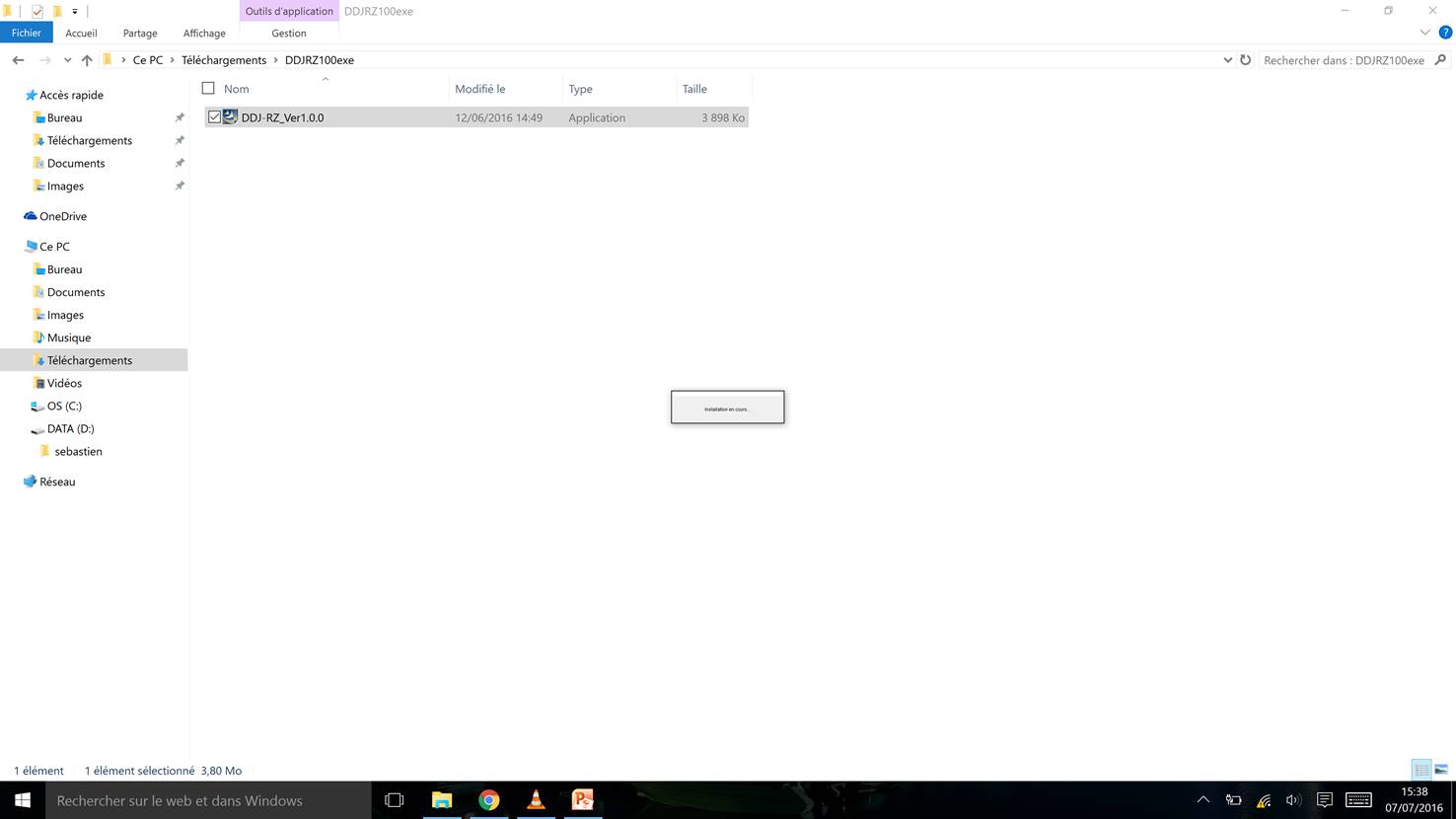
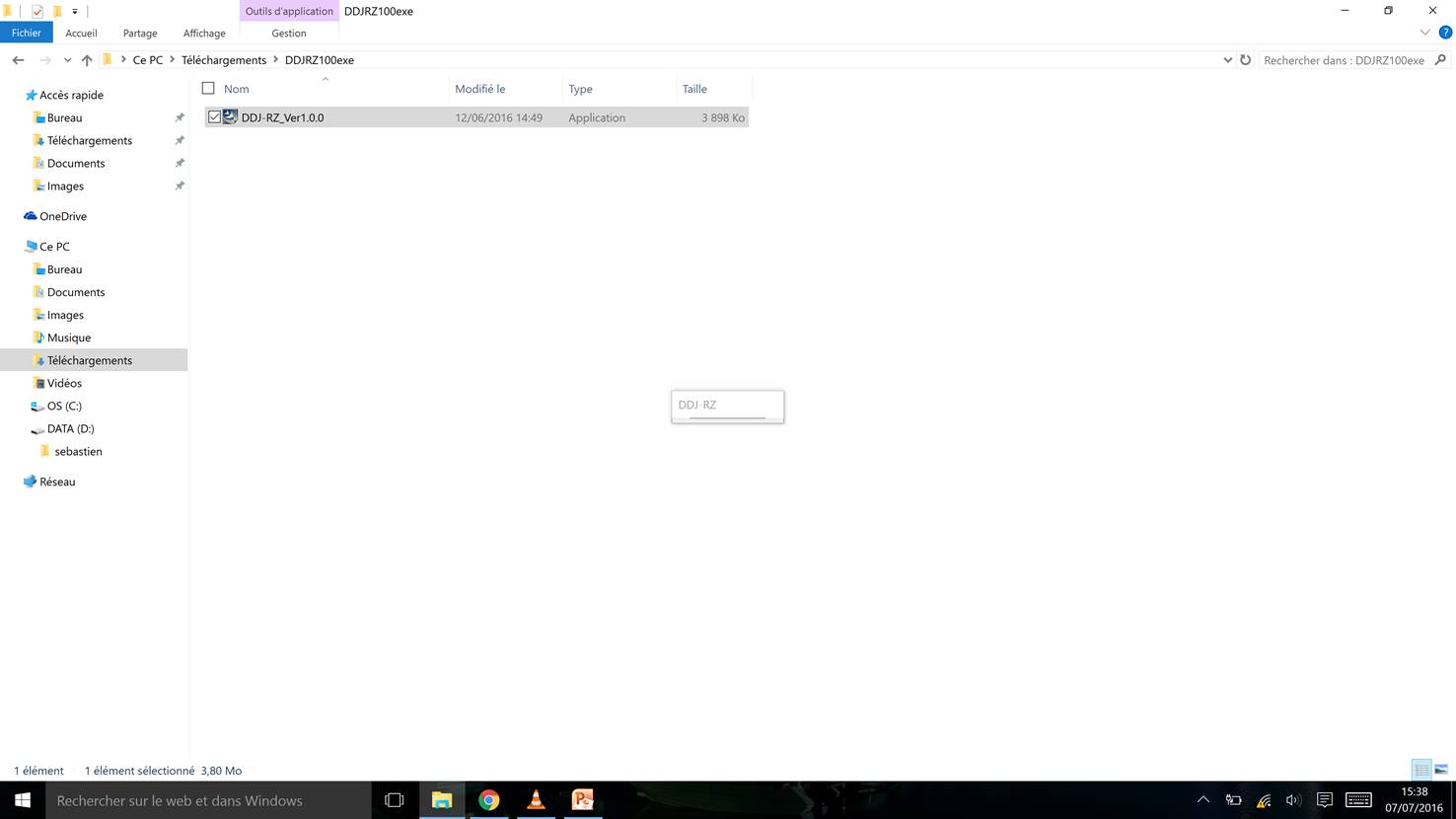
6th screenshot, you can see the message box "installation in progress", and the 7th, the message "DDJ-RZ" appears and nothing else : it's blocked !
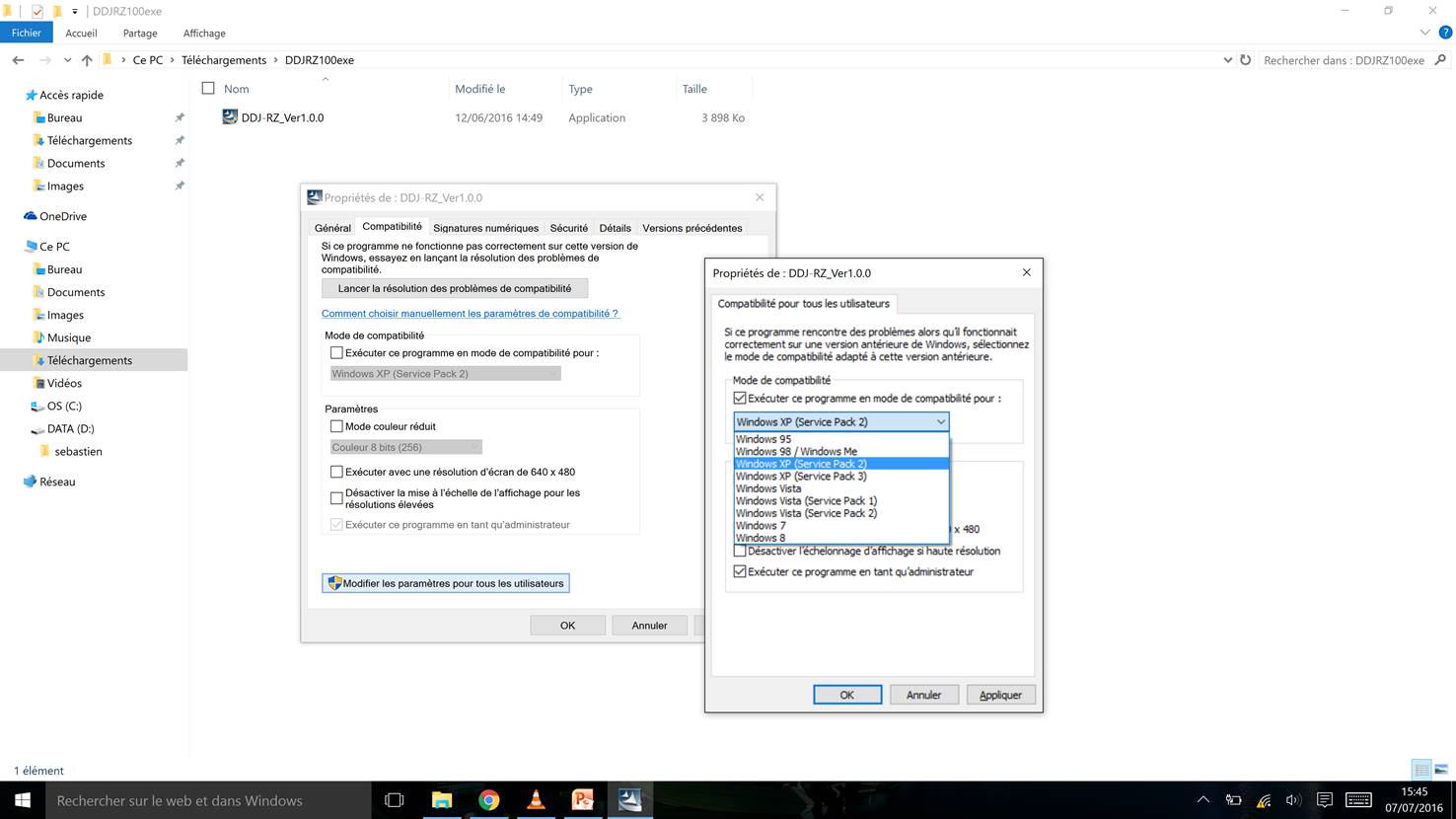
So, I tried the compatibility mode and I saw one thing : windows 10 doesn't exist (8th screenshot). Maybe the problem comes from there ? I don't know.
So, what should I do ?
Kind regards
Publicação fechada para comentários.
Confirmed that DDJ-RZ drivers can be installed on Windows 10 (64-bit). Have you tried testing the board yet after attempting the driver install?
Hum, sorry, I think I must have misunderstood.
What "board" do you speak ?
Right now, I'm just following the instructions below :

Have you run Windows updates to ensure that the operating system is up-to-date?
Yes. I have the latest update.