
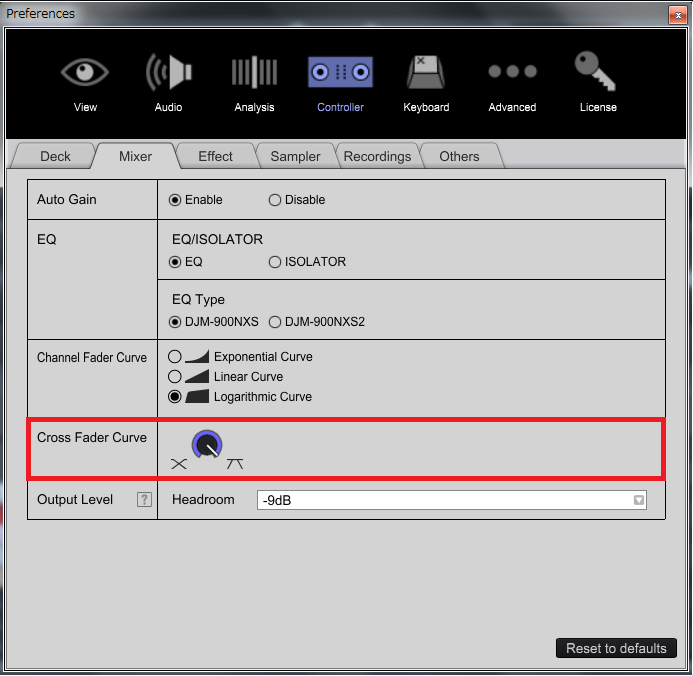
You can set the crossfader curve in PREFERENCE.


Ações de comentário

The crossfader is increasingly moving to cut the center, the curve is not softened, I would like that as the fader goes towards the center must mix the sounds of the two channels
Publicação fechada para comentários.
You can set the crossfader curve in PREFERENCE.
Thanks for the answer, of course I looked in the preferences, but that section is dedicated to the crossfader as 'inactive' in fact is gray (not red + black) and does not vary. Using Windows 7, there's something wrong in the setup?
thanks for the instructions...
Sorry for my previous comment.
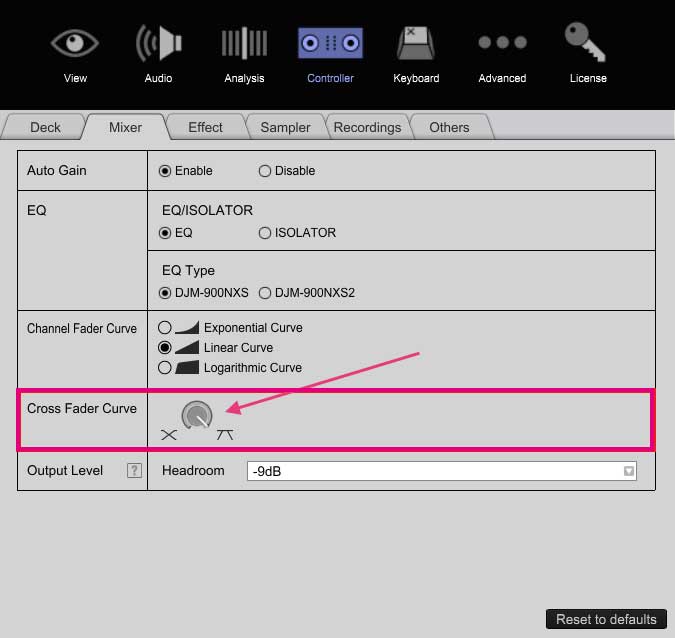
When you connects DDJ-RX to PC, CFC setting is grayed out.
Turn the nob on the front panel of your DDJ-RX.

yes i turn knobs but don't work, and in preference panes crossfader curve section are light grey...why this? how can i fix this?...thanks
This chart sums up my situation, on the left a regular work curve fader, on the right my cross fader don't work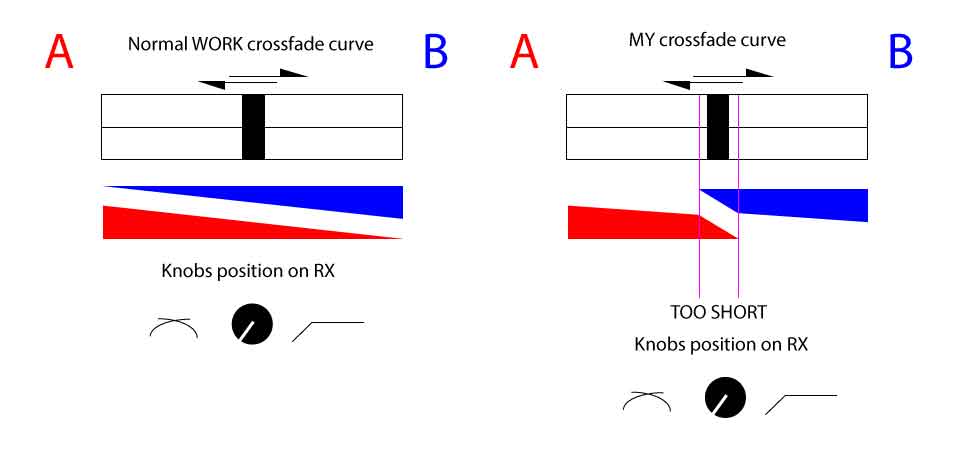

It's funny.
Here is a picture of CFC nob on PREFERENCE when DDJ-RX is connected.
So I recommend to reinstall the rekordbox.

For Tom:
Thanks, I understand, but if I rotate the knobs of the crossfader curve hardly changes, the pattern in the image gives an idea of how does the crossfader on the audio mix.
For Tomoharu Kirihara
ok so when in preferences is not active or visible in gray on the crossfader knob means is operated and controlled by DDJ RX.
Then proceed with a reinstall and see how it goes.
Thanks for reply, will update
Problem SOLVED!
The problem was in an electronic integrated on the motherboard that regulated the electric fader pulse of the crossfader.
Replaced at a cost of 35€


