Have a feature request or suggestion? Post your idea here!

Publicação

3 seguidores Seguir
0
Avatar

DDJ RX: Crossfader cut lag adjust HOW?

Sorry how can adjust Crossfader Cut Lag??? i have read from manual but i don't hunderstand, manual is not clear...who help and describe me how make this step by step?

Thenks for reply

Cisco Inter Respondido

Comentário oficial

Avatar
  1. Turn the unit off
  2. Disconnect USB cable
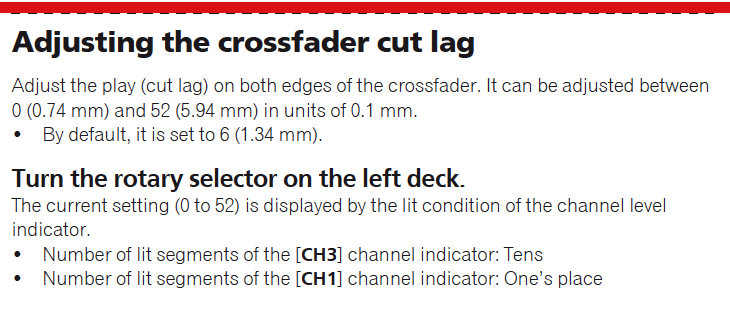
  3. Press and hold the SHIFT and PLAY buttons of the left deck and press the power button to turn the unit on to enter Utilities Mode
  4. The cut lag value (0-52) is indicated by the number of LEDs that are lit on Channels 3 and 1. Channel 3 indicates the first digit, Channel 1 indicates the second digit.  For example:  In the image below channel 3 shows 3 LEDs and channel 1 shows 5 LEDs.  This means the cut lag is set at 35.


  5. Turning the rotary selector knob will adjust the cut lag up or down.
Mark Gallo
Ações de comentário Permalink

Publicação fechada para comentários.

9 comentários

0
Avatar

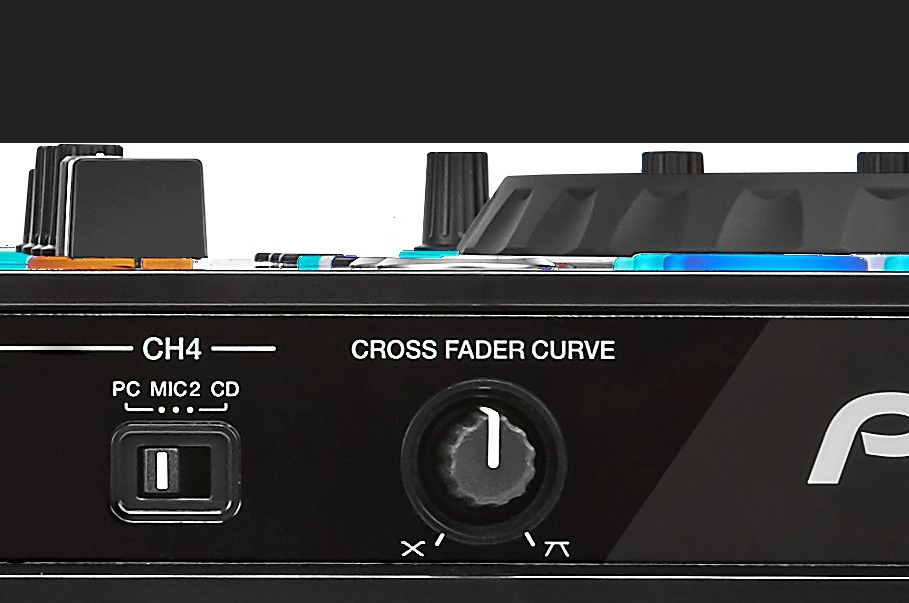
It's the knob on the far right front panel, turn that to adjust the curve.

Jay 0 votos
Ações de comentário Permalink
0
Avatar

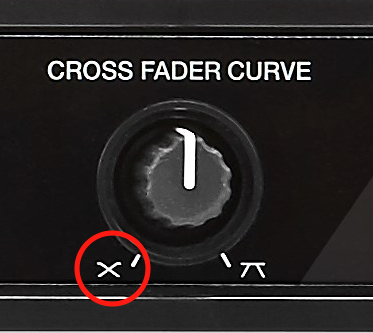
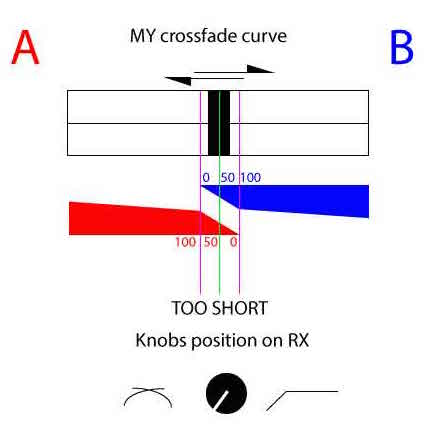
sorry, this knobs don't work and crossfader it's too cut

or left, or right, or center don't have effect on crossfader


Cisco Inter 0 votos
Ações de comentário Permalink
0
Avatar

Hi Mark,

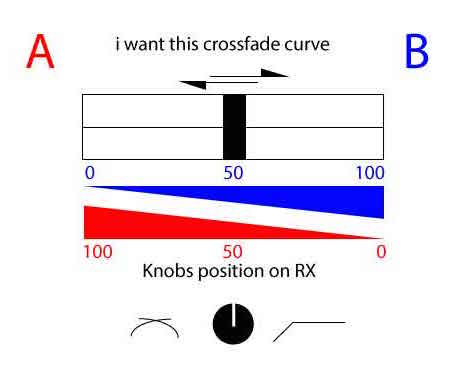
with this operation can i have a smooth crossfader curve?

How can i set for this?

Cisco Inter 0 votos
Ações de comentário Permalink
0
Avatar

There is a MAJOR difference between Cut Lag and Crossfader Curve.  The procedure above changes the cut lag.  To adjust the curve, use the knob on the front panel.  

Mark Gallo 0 votos
Ações de comentário Permalink
0
Avatar

Then you need to adjust your cut lag to lower number.

Mark Gallo 0 votos
Ações de comentário Permalink
0
Avatar

you and how can I do? if you saw the video I posted in the link you can understand and feel my problem

Cisco Inter 0 votos
Ações de comentário Permalink
0
Avatar

I gave you the step by step instructions above.

Mark Gallo 0 votos
Ações de comentário Permalink