
Comentário oficial

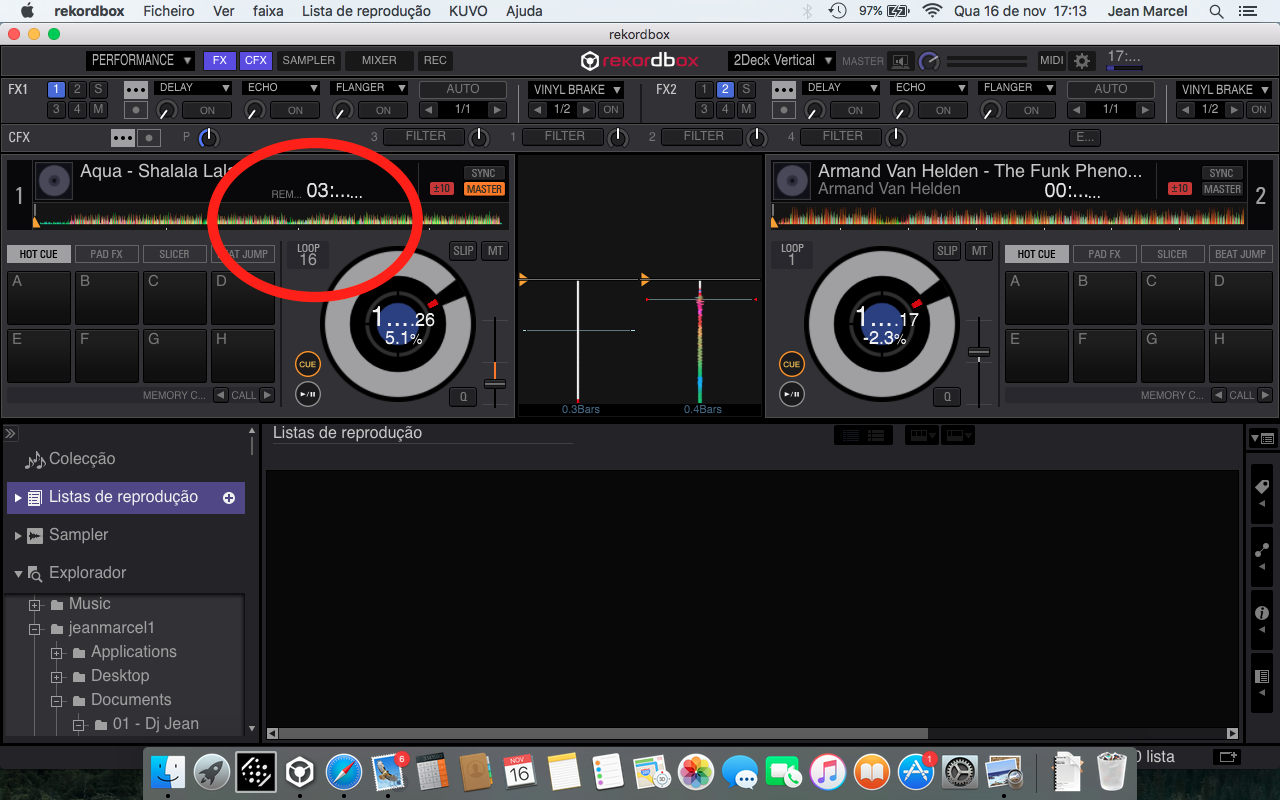
This can happen if you have your screen resolution or accessibility preferences (zoom) enabled. Please try resetting your display preferences to their defaults, and if that doesn't work, try the following:
If you are using FontExplorer or another font manager, it may have messed around with the default system fonts. Please uninstall that application, and then from the system Font Book application, select 'Restore Standard Fonts' from the File menu. Please note that this will disable non-standard fonts in your system (they are put aside in the Fonts(removed) folder).
Ações de comentário
