
Did you install the correct drivers? Which OS are you running?
Ações de comentário

Hello,
I was try to use the controller but it didn't work.
So I thought to update the firmware, but I had this message:
"Your DDJ-SX2 is not connected"
Tried a lot of times, but always the same problem.
I have a mac, so if I go in the System Information, I see that the controller is recognized as a DDJ-RX.
How can I solve this? I'm going crazy.
Thanks a lot.
Davide
Publicação fechada para comentários.
Did you install the correct drivers? Which OS are you running?
Hello,
I'm using an Apple MacBookPro.
OS: Mojave 10.14.4
In that page:
https://www.pioneerdj.com/it-it/support/software/archive/ddj-sx2/#drivers
the doc says:
Utilizzatori di Mac OS:
Gli utilizzatori di Mac non devono installare questo driver. Il driver audio standard del sistema operativo Mac verrà installato automaticamente collegando il DDJ a Mac con un cavo USB.
Thanks.
Sorry, missed that you had a Mac; have you updated the firmware on the device? (Instructions here.)
The problem is the update.
When I try to update the firmware, I receive:
and I can't update it.
I investigated a little bit on google and after a check in the System Information, I've seen that the controller is recognized as a DDJ-RX.
Just to be sure, I downloaded the firmware of the DDJ-RX and if I launch it, it recognizes the controller and it starts the update.
But I have a SX2, not an RX and no software is working! 😱
Any idea on how can I tell to my Mac that right model?
I'm going crazy...
Thanks a lot.
Dave, can you open the Audio MIDI Devices app to the MIDI Studio window, then at the top of the window, click the drop-down and select New Configuration...
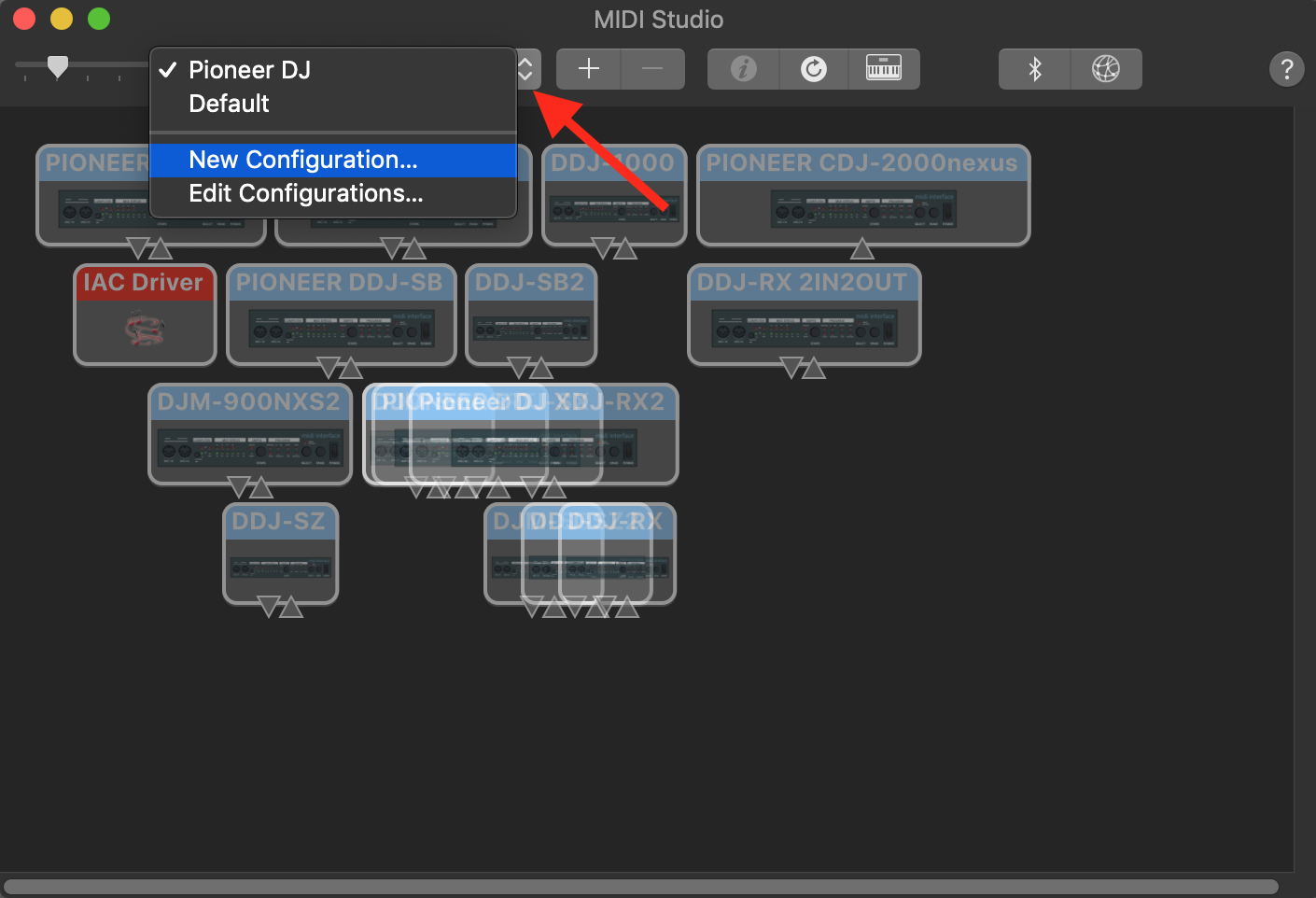
Then give it a name and see if (when the SX2 is connected) it's detected as an SX2 or as an RX?
Just did it, but it says that my controller is a RX.
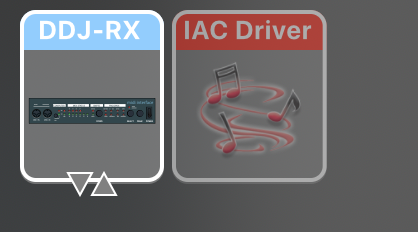
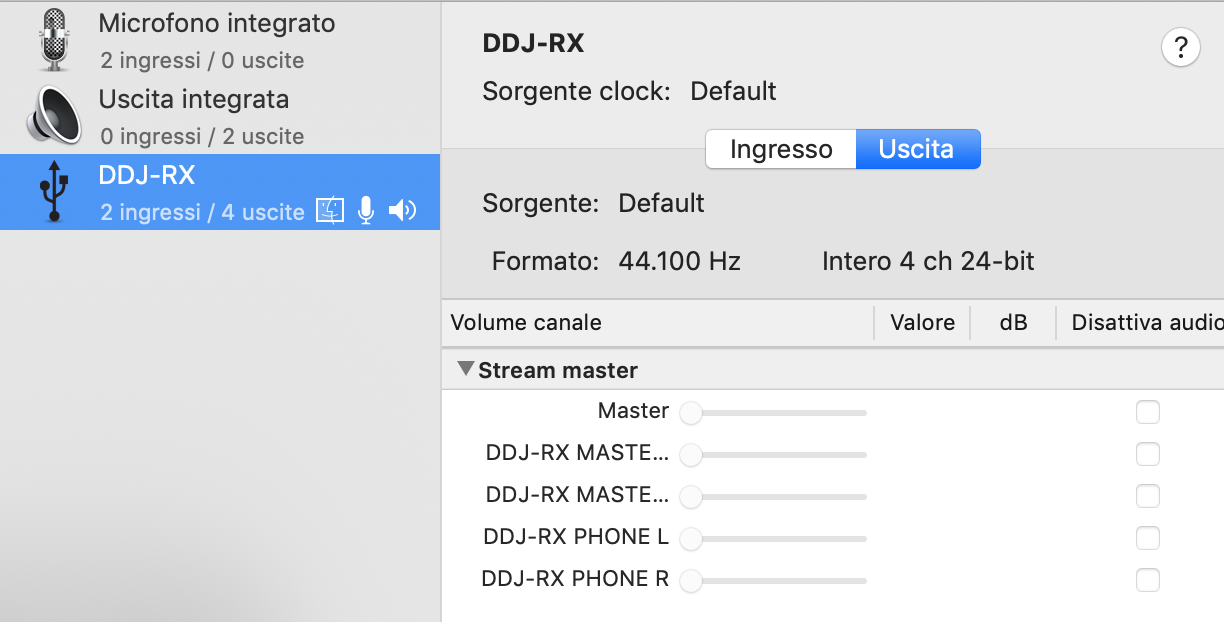
Hmm... let me pass this to our engineers.
Ok, thank you very much.
I will wait your feedback (I hope soon, I just did the subscription to Serato).
Dave, please disconnect the SX2 and give this a try:
PRAM reset: https://support.apple.com/en-us/HT204063
SMC reset: https://support.apple.com/en-gb/HT201295
After you've done those steps and booted back up, reconnect the SX2 and give the system profiler another go to see if it recognizes the unit as an SX2 or RX.
Dave,
Just following-up from last week's post - were you able to give that a shot?
Hello,
I'm sorry, I wasn't at home in these days, I just come back.
I've just checked and I have to ask you my excuses.
I just turned on my controller and I have a DDJ-RX, not a DDJ-SX2, I'm very sorry for the time you lost with my question. I'm very sorry, really. 🙏🙏🙏
But I have another problem, updated the firmware, but the controller is not working, the same.
I tested with: Serato, Rekordbox and Traktor.
Any idea? Thanks a lot in advance.
@Dave > The DDJ-RX is a rekordbox controller and will not work with Serato. It will work with Traktor provided you use a TSI mapping file (3rd party as we don't provide one), or Virtual DJ, as the RX is a MIDI controller and will work with either of those.
As for whether or not it's working properly, did you select the DDJ-RX as the audio device within the rekordbox preferences?
Hi,
to let it work I had to unistall everything and reinstall Rekordbox and I activated a trial license.
When I bought the controller, I had a license to use it, but now I'm not able to find it.
Is there any way to have it?
Thanks a lot in advance.
One of two ways...
1) Login to rekordbox.com with the email address used to register the serial originally, and you'll find the serial number listed there.
2) File an inquiry ticket here and our rekordbox support team can look it up with the provided serial number / key from your hardware and the email address you used.
Thank you very much, I just opened a ticket now.
Thanks.
Got it - I've assigned it over to the licensing team.
Wonderful, thank you very much!


