Here is a screenshot of the system information page detailing the controller's USB connection.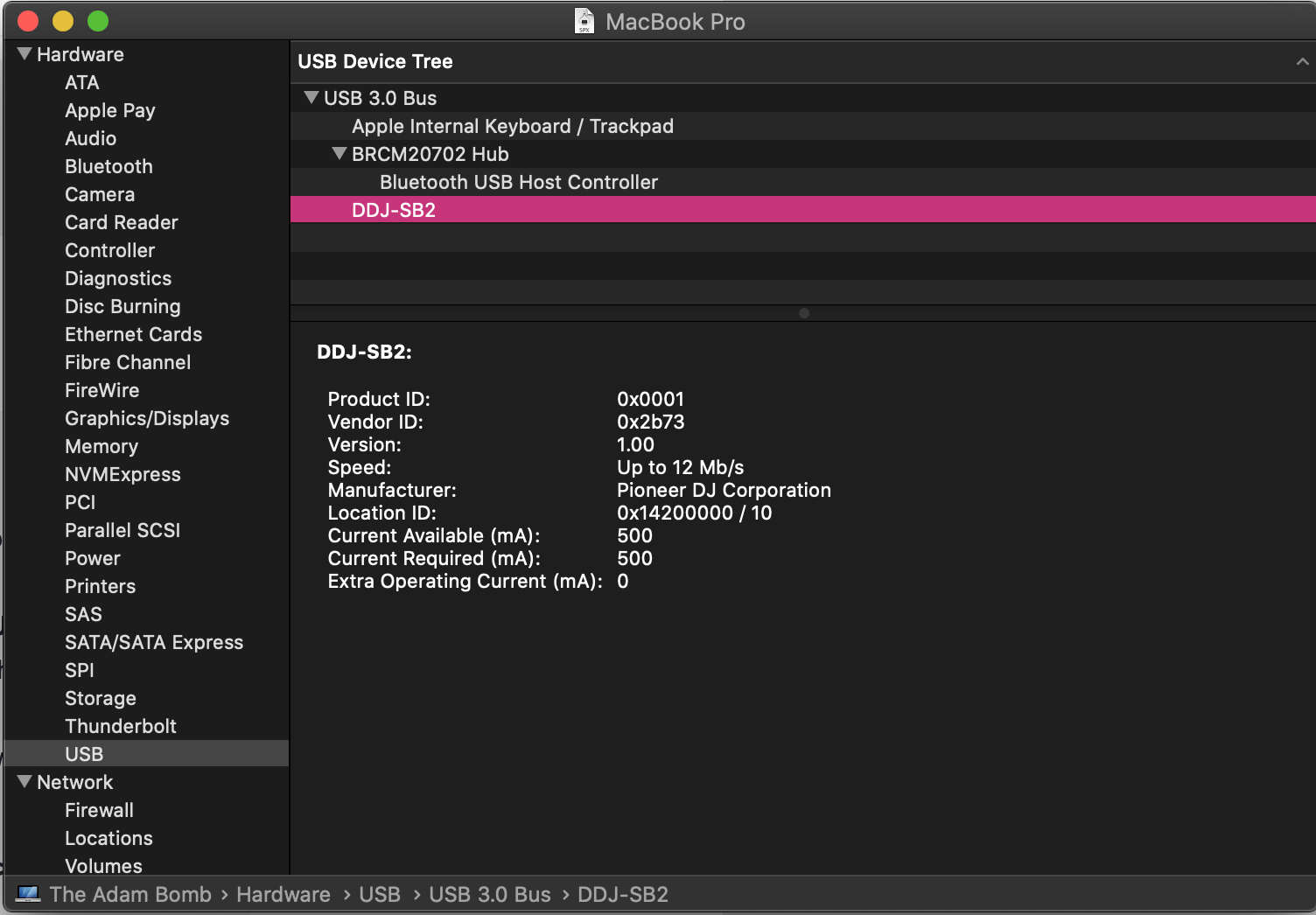


Ações de comentário
Hi all, I've exhausted almost every troubleshooting avenue on the internet I've been able to find and I've still had no luck which is why I'm posting here. When I plug in my DDJ-SB2, the channel level bars are all lit up as can be seen in the image attached. I'm using a macbook pro (2014) running OSX 10.15.4 (Catalina). When using the controller with Serato, I get the setup dialogue followed by "Error: Failed to Connect Audio!!". The controller seems to run initialization twice when connecting based on the light patterns on it.
Things I've tried:
Changing default audio devices to internal input and output, deleting all midi devices and drivers, creating a new midi configuration, trying different combinations of USB cables and ports (these same cables used to work on this computer and still do on other computers), restarting, uninstalling and reinstalling serato. Basically everything I've been able to find on the internet including pioneer and serato's troubleshooting guides and other posts made on this same topic. None of these have worked.
I believe that there is some issue with either the driver on my computer or a problem with usb power (although I am able to play music through the controller as an audio device and the controller is running at 500mA according to system information). I'm also currently in contact with Serato support, but I figured I would try reaching out here as well and would appreciate any help I could get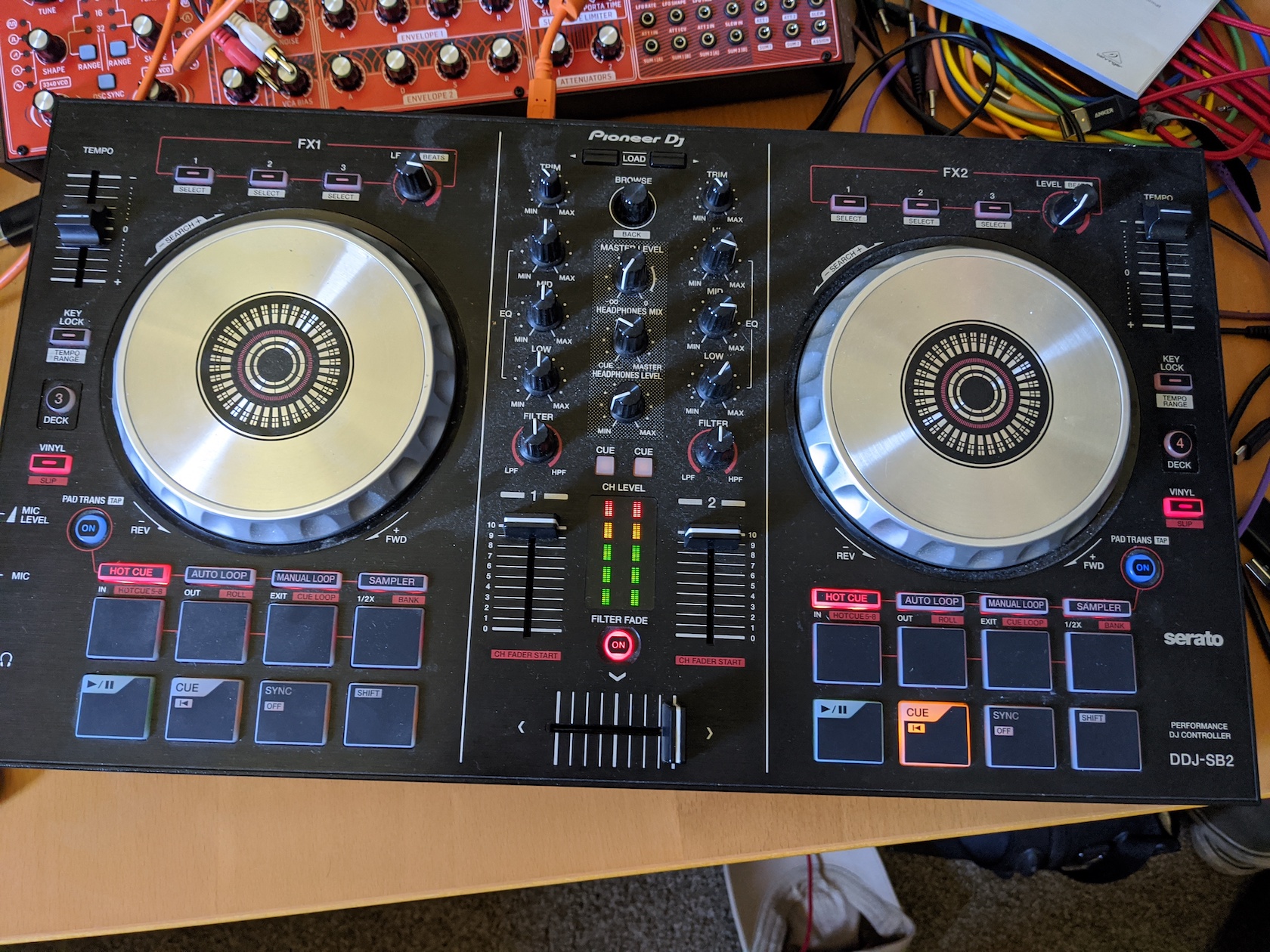
Publicação fechada para comentários.
Here is a screenshot of the system information page detailing the controller's USB connection.
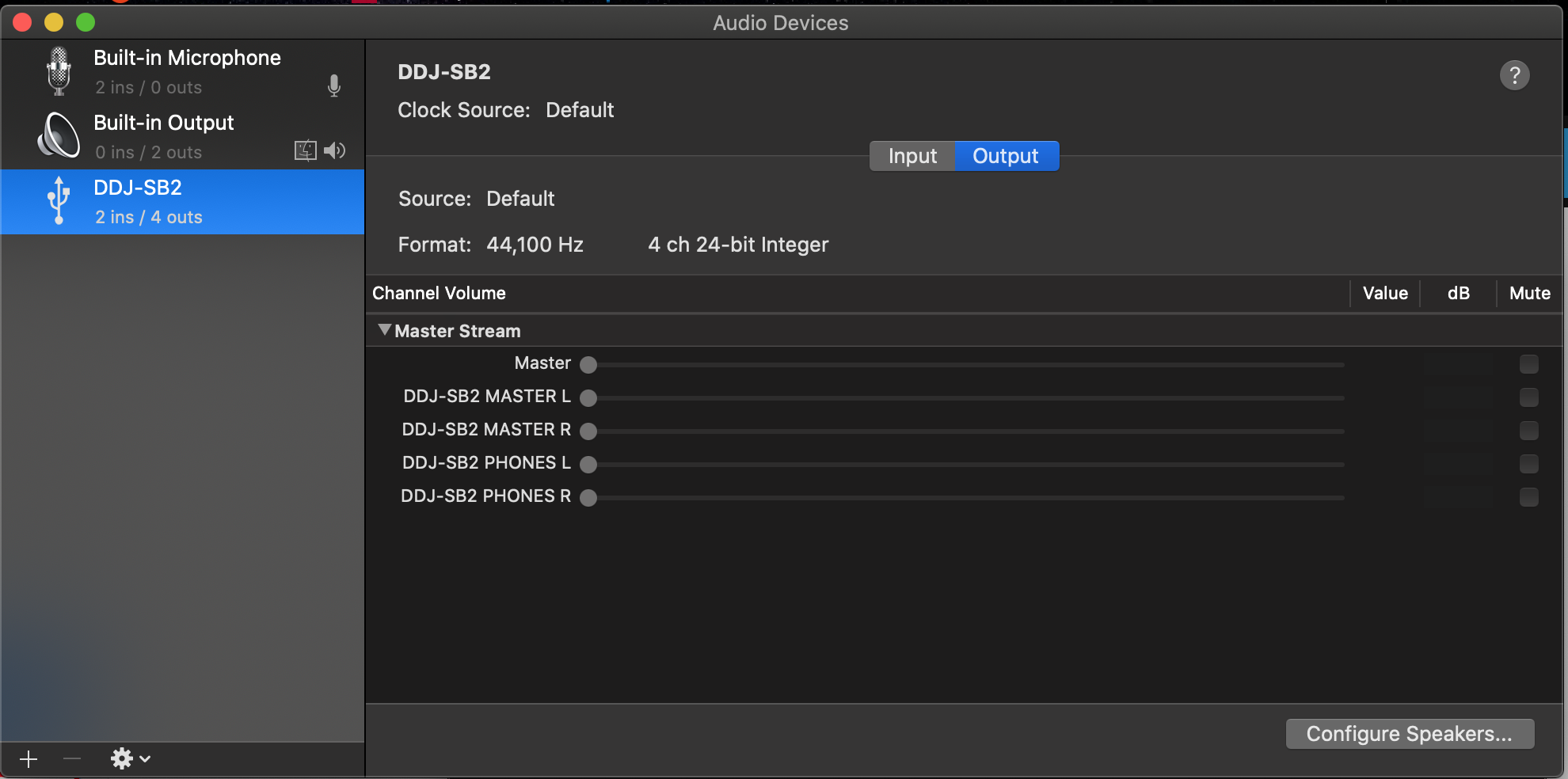
Here is my audio configuration page.