
p.s. here are zoomed pics: 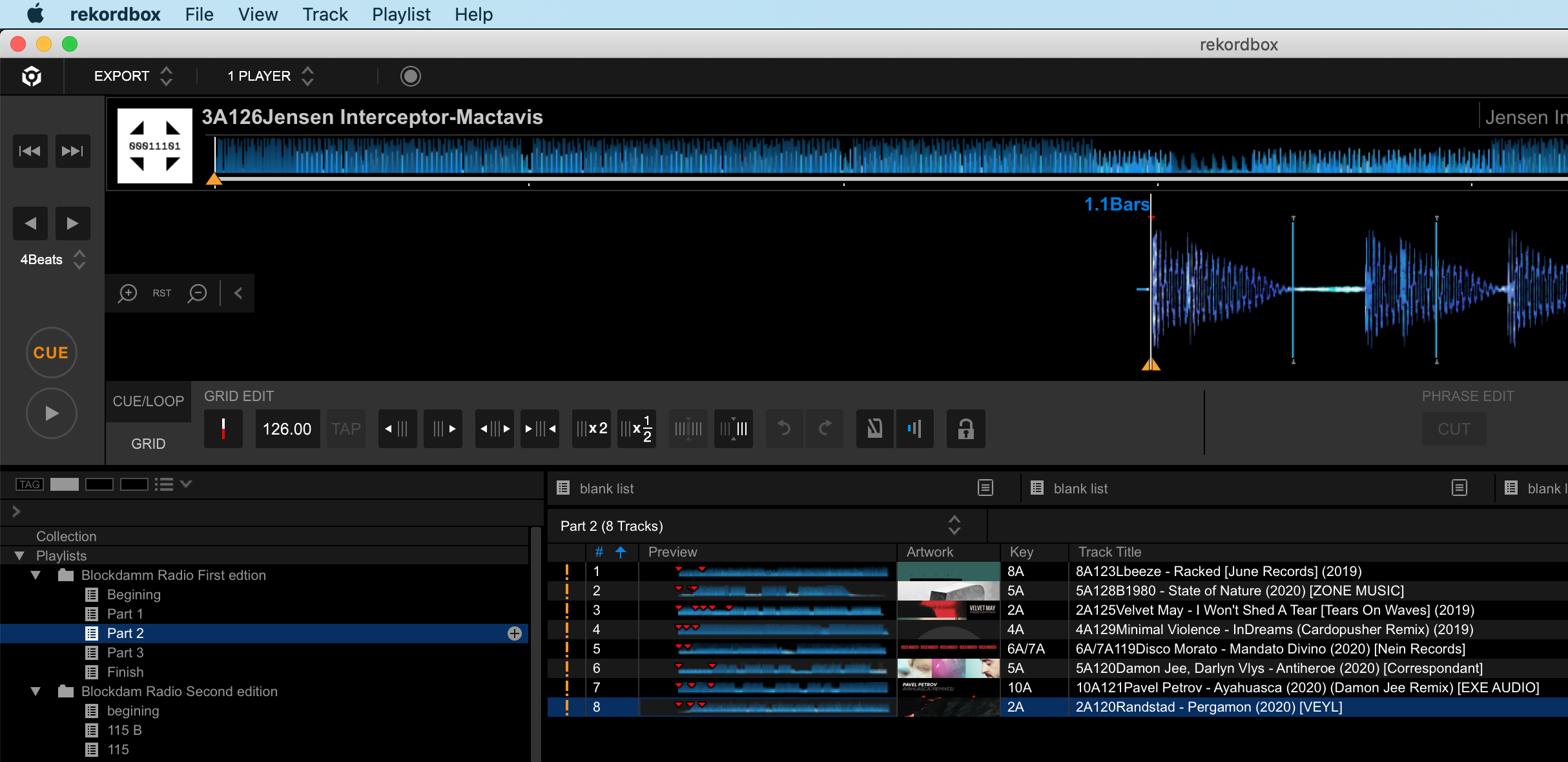
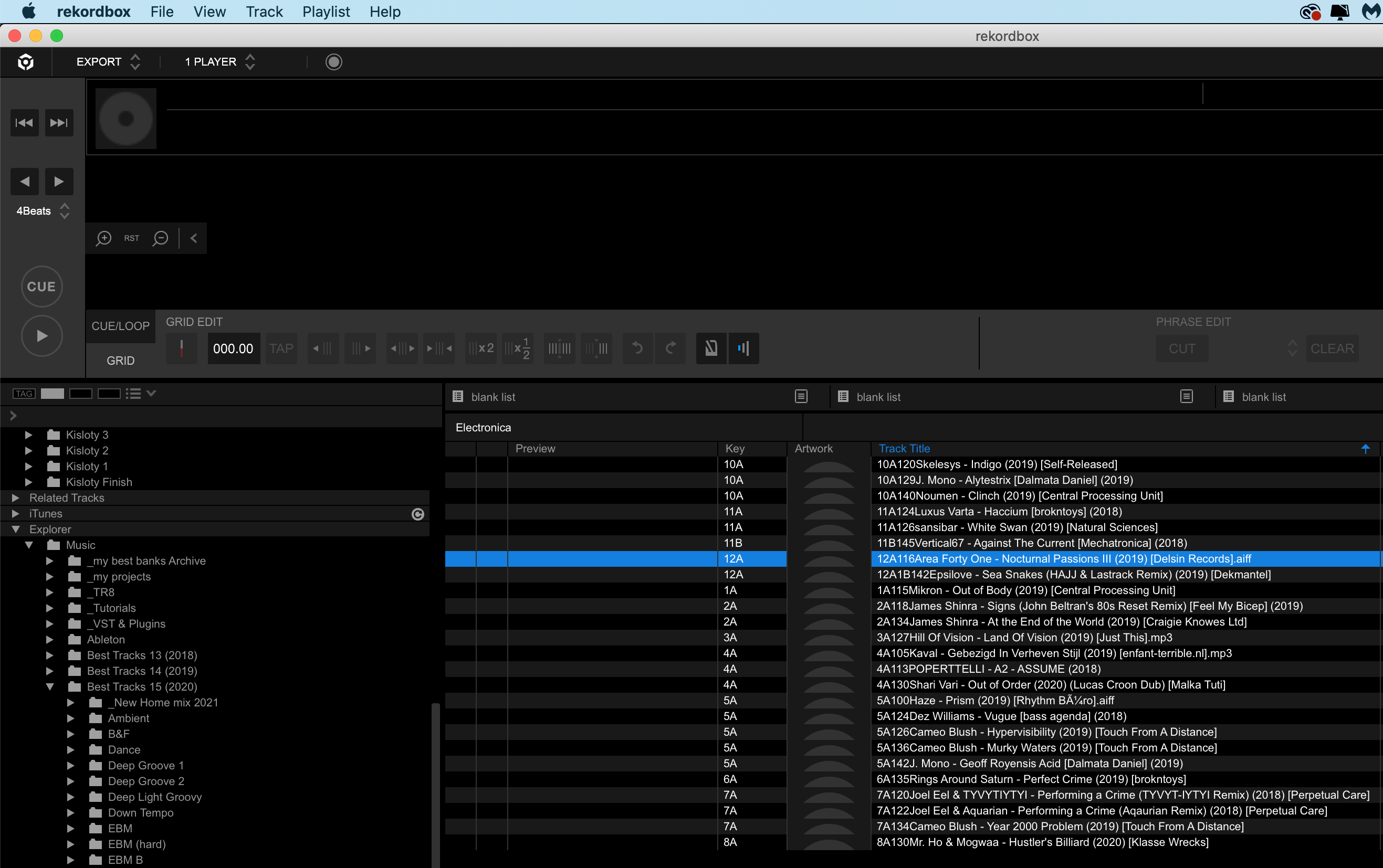


Ações de comentário
Hi, all data is missing form my entire 3 years old library.
Data from Explorer folder is vanished, I still see the tracks in folders but there are no Previews waveform and cue data. However track names are same as I renamed it in recordbox. Playlists have Previews and cue data but The File Couldn't be found. (See attached images) 
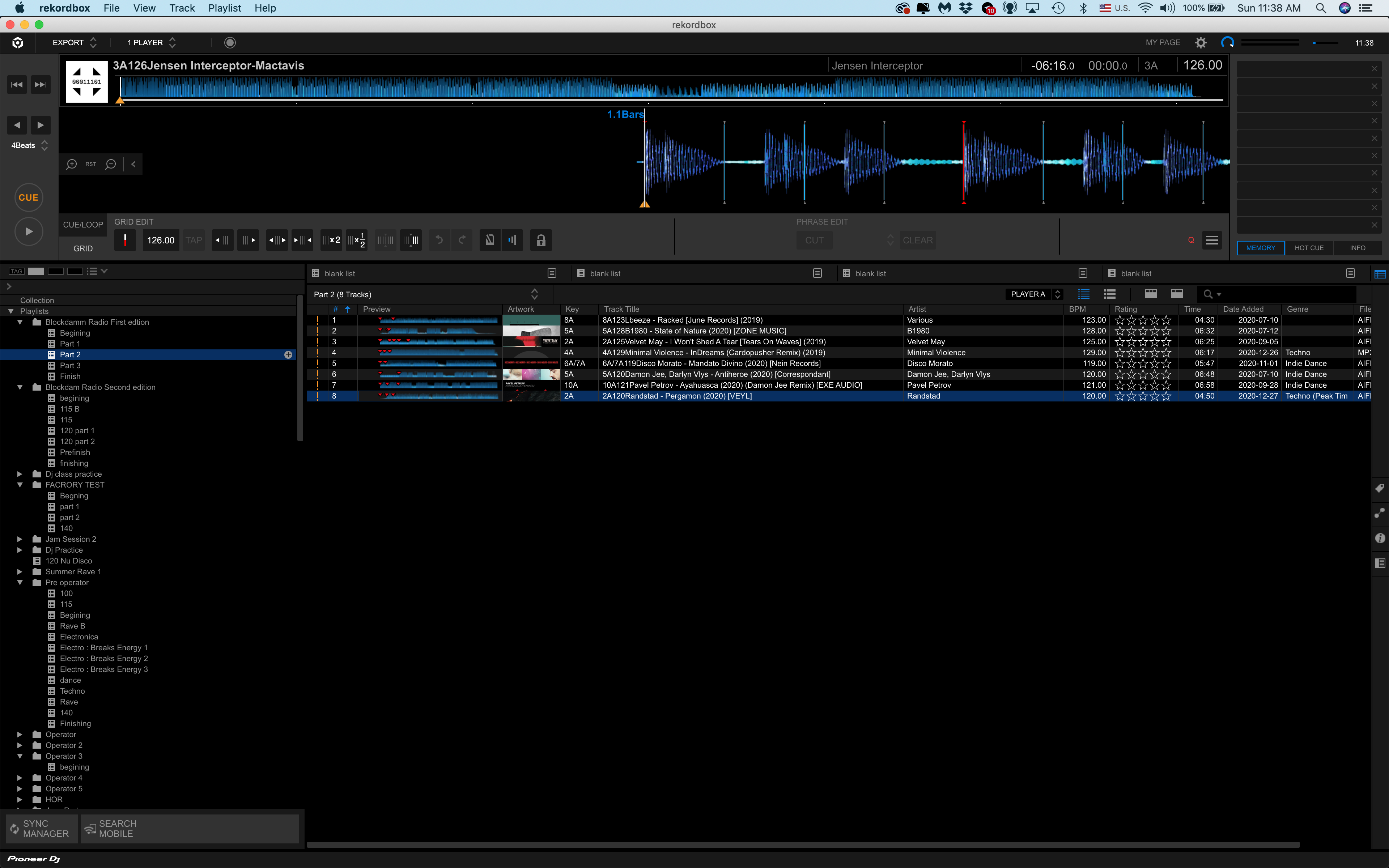
Here is description of all my moves that cause this nightmare. First of all I updated Recordbox to 6.5.1 at Catalina 10.15.4
Then in Finder, I duplicated my 2020 music folder with all subfolders and renamed it to 2021 ( the reason is to save time to create all Genre subfolders) See attached file. 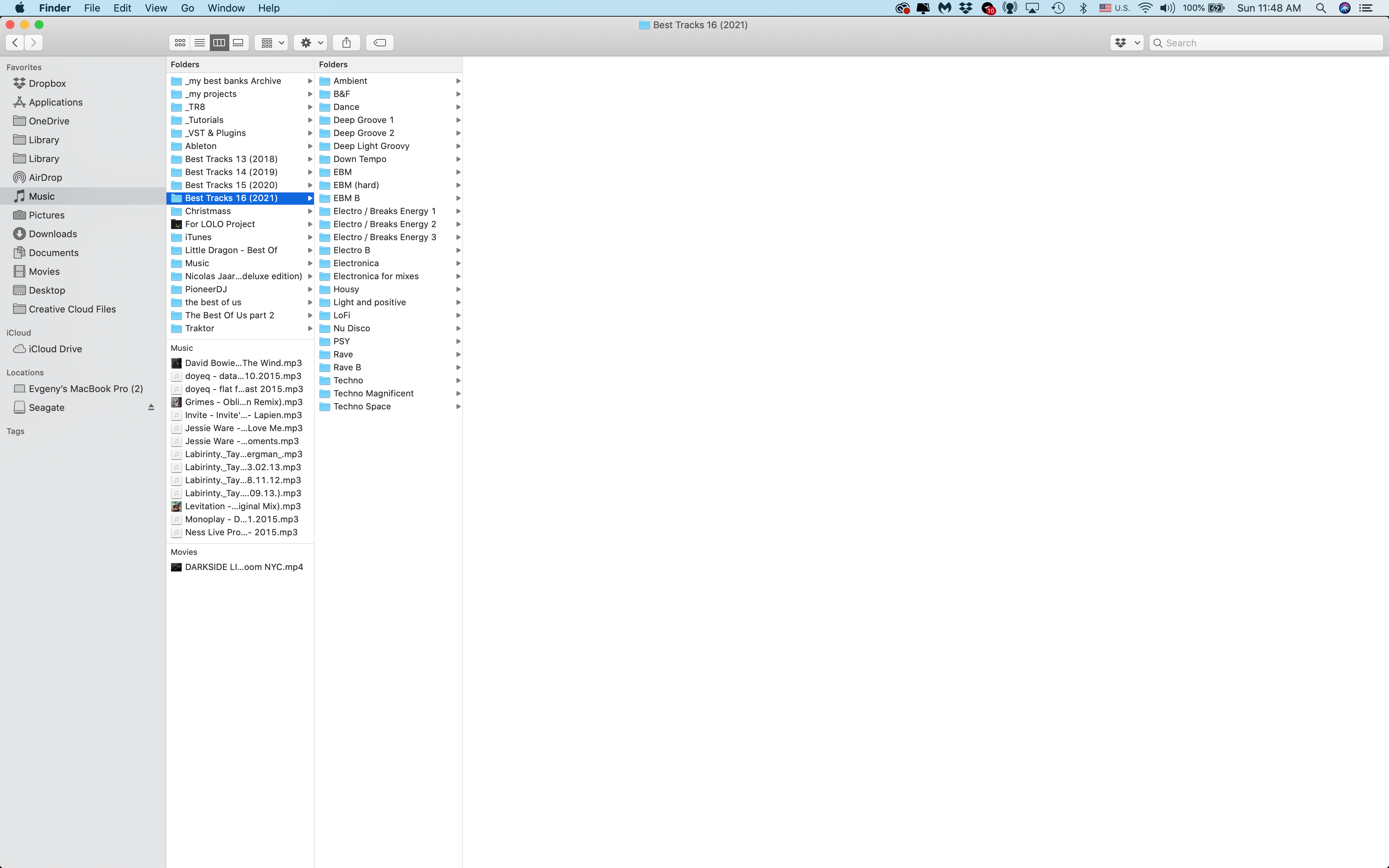
After I started to delete tracks from each folder. Same-time I run recordbox, to create a new playlist before I finished to delete all tracks from new 2021 folder. In Recordbox I wanted to listen tracks from Explorer section in 2020 folder, but suddenly got a message that Files can't be found (interesting that Preview waveform and cue points were still visible). After restarting recordbox previous and cues disappeared. It also affected all other folders as 2019 and 2018.
Any ideas how can I get all data back? Please help!
Publicação fechada para comentários.
p.s. here are zoomed pics:

Rekordbox uses the absolute filepath to the audio files as index to the track's DJ metadata (=cues, loops, analysis data etc).
If a filepath to the audio file changes, for instance because you changed the name of the enclosing folder in the Finder, all hell breaks loose.
I explain it in detail in this video
Why cues, loops etc can disappear from your DJ software aka filepaths matter
You quickest and best course of action would be to restore a backup of the drive that stores your "home" folder, which is usually the startup drive.
If you have no backup, then my live stream of last week might offer some last resort options, however it's crucial that you first restore your audio file storage structure to the way it was before. And it may already be too late to restore the Rekordbox collection using the method shown due to too many Rekordbox restarts.
Thanks a lot! Restore back up helped! All is the same as used to be!!!