Have a feature request or suggestion? Post your idea here!

Post

2 followers Follow
0
Avatar

Library on external not showing up.

I have my library on my external drive and up until today it has worked fine on multiple computers. As far as I know nothing on the drive or on rekordbox has changed but now when I try to relocate my database to the drive my external is on I don't get anything at all. No collection, no playlists, no tracks. I don't think it was the windows update because I have used it after updating numerous times and it worked fine. I can't seem to find anything related to this issue, does anyone have a solution?

Jeremy Barbata

Official comment

Avatar

@Jeremy > If you accidentally opened rekordbox without that external drive connected, rekordbox may have defaulted back to the internal database (the only one available). In order to switch again, you need to select that drive / database within the Preferences > Advanced > Database:
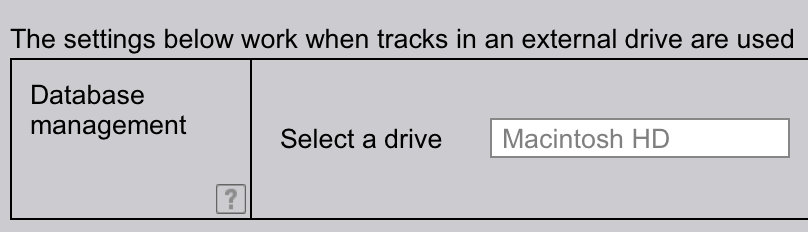

As you can see, I don't have an option to select another drive as I don't have one connected, but the drop-down would appear to select that drive.

Pulse
Comment actions Permalink

Post is closed for comments.

2 comments

0
Avatar

I've had that happen before, even when I switch it back to the correct drive there was nothing that showed up. I'm in contact with someone from support now though, trying a few options with backing up the old file. Thanks

Jeremy Barbata 0 votes
Comment actions Permalink