Have a feature request or suggestion? Post your idea here!

Post

20 followers Follow
1
Avatar

BSOD in Windows 10 caused by 900nexusAudio64.sys

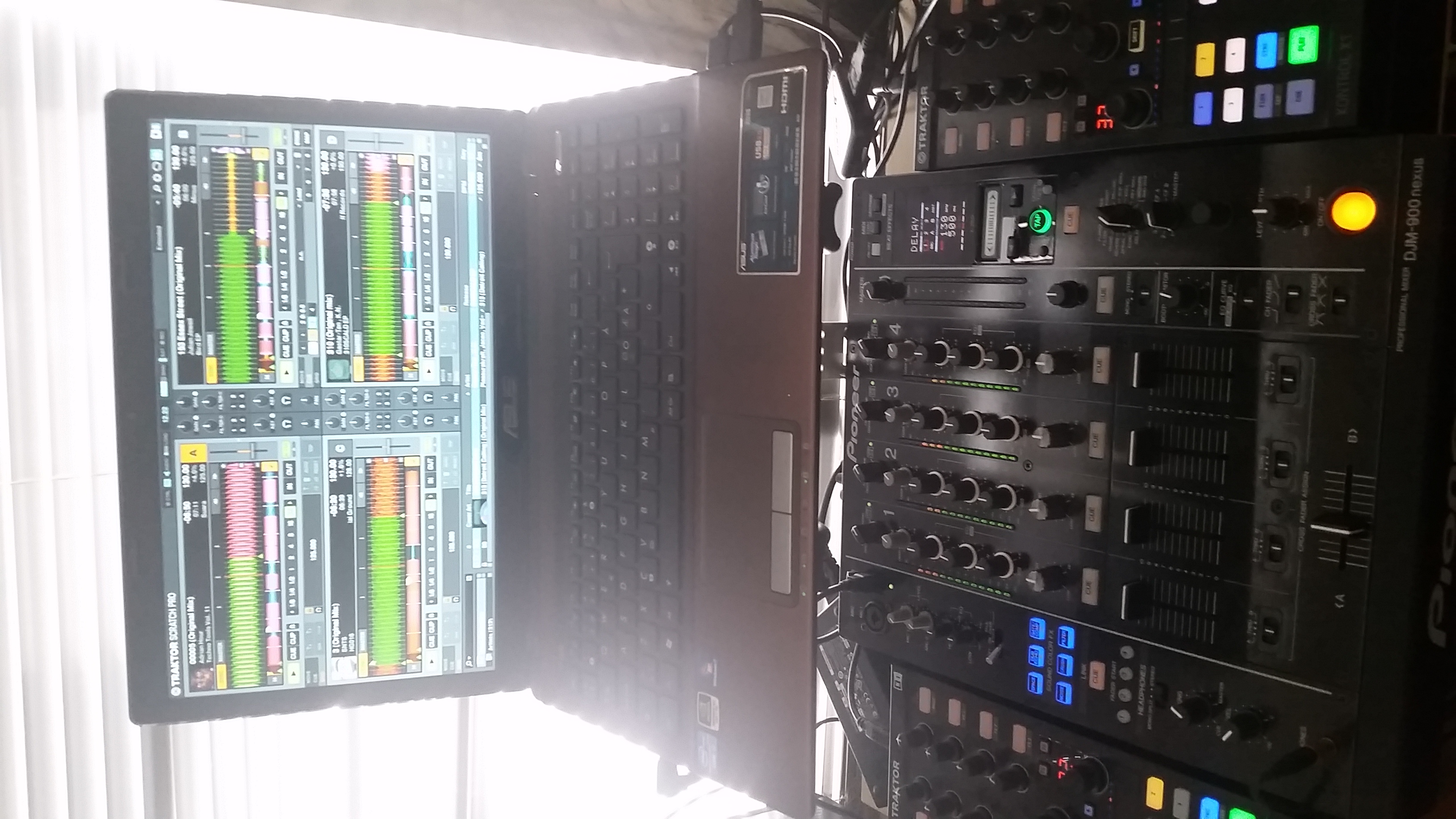
I'm using the DJM 900 Nexus as my audio interface for Traktor 2 2.9. The problem is occurred after I update my OS from Windows 7 to 10.
Full name of the problem that appears on the BSODs screen is: driver_irql_not_less_or_equal (DJM 900nexusAudio64.sys)
Anybody know how to solve this?
Some more information:
OS: Windows 10 x64bit
Intel i7, 8Gb RAM
Traktor ver.2.9 32bit.

DJ Intense

Post is closed for comments.

168 comments

0
Avatar

If you google you can see it is a known bug that Chrome _can_ make your computer crash if you mess with the pagefile.
It is completely possible that the Windows store rolled back your update or fix to solve the chrome issue - bringing back the initially fault with your computer crashing with the DJM900. All in all it seems like the pagefil fix is, as mentioned earlier, a way "peeing in your pants to keep warm at winther"

I have played out 2 nights, using CDJ's as soundcard but with the 900 connected. No issues what so ever. I will try this friday again but with the 900 as soundcard even though i must say i am a bit worried about it still.

Zster 0 votes
Comment actions Permalink
0
Avatar

I am getting repeated BSOD's when using Traktor and DJM 900 NXS with Windows 10 Home.

I am also getting random sound glitches. 

I have the latest DJM  driver v1.500 installed.

2 BSODs today within an hour. My confidence in using the DJM 900 NXS is being shattered.

The dump shows the following info

Bug check string : DRIVER_IRQL_NOT_LESS_OR_EQUAL

Caused by driver:  DJM-900nexusAudio64.sys

Caused by address: DJM-900nexusAudio64.sys+9710

Bug check code:  0x000000d1


Can you please fix this ASAP?


alex 0 votes
Comment actions Permalink
0
Avatar

@alex > Have you tried uninstalling and reinstalling the driver?

Mark Gallo 0 votes
Comment actions Permalink
0
Avatar

Yes, have tried re-installing v1.500, but it hasn't resolved the issue.  Still crashing, same as before.

My windows patches are all up to date. Graphics driver, direct from nvidia.  Everything else is working is just fine, i just cannot use the DJM mixer without it crashing the PC.

alex 0 votes
Comment actions Permalink
0
Avatar

We've got the mixer team investigating this issue, thanks for your patience.

Pulse 0 votes
Comment actions Permalink
0
Avatar

I have exactly the same issue with DJM850 since I upgraded to win10. Please dont forget the 850 users if you manage to fix the issue

Freigehege 0 votes
Comment actions Permalink
0
Avatar

Same problem.

After installing 1.5 the madness started. 

Bendik Johansen 0 votes
Comment actions Permalink
0
Avatar

Can we have an update please Pioneer?   Otherwise this mixer will be sold, and I will replace it with something that works. It probably wont be Pioneer.

alex 0 votes
Comment actions Permalink
0
Avatar

The engineers are unable to replicate this issue when all Windows Updates have been applied. I know you have said that you have updated, but could you please double check that your machine has all available patches applied?

Pulse 0 votes
Comment actions Permalink
0
Avatar

In my case, all of the latest windows 10 patches and nvidia graphic drivers are installed.

alex 0 votes
Comment actions Permalink
0
Avatar

Here you go, these are the Win 10 patches installed.


KB3120677
KB3124200
KB3124262
KB3124263
KB3135173
KB3135782
KB3139907
KB3140743

alex 0 votes
Comment actions Permalink
0
Avatar

After much installing and reinstalling of 1.5 driver and checking of patches it seems stable again. I had 2 weeks of bluescreen madness. 3 months of no problem at all from desember 2015 inntil feb. 

Stress tested with 15 hours of All 4 channels going with no bluescreen.

But no exploitation of why it just suddenly started bsod from out of nowhere?

I manually removed both 1.303 and 1.5. Deleted all trace in the registry. Then reinstalled 1.5. 2 days stil stable now 2 days later
.

Bendik Johansen 0 votes
Comment actions Permalink
-1
Avatar

The main thing that I learned from this thread....  Mac > PC.

Mark Gallo -1 votes
Comment actions Permalink
0
Avatar

@alex > I'm sorry but it would seem there is another issue at hand causing the crashes, and it's not the Pioneer DJ drivers. Could you please link the system dump file the next time the crash occurs so the engineers can investigate other possible causes?

Pulse 0 votes
Comment actions Permalink
0
Avatar

I must say i find it strange you rule out a problem with the driver before examining the dump, which shows it was the DJM900 nexus driver. 

alex 0 votes
Comment actions Permalink
0
Avatar

I had the same problem. And after the last patches it got better, but it still crashes. Now it takes hours instead of minutes. Still not good enough to use it on gigs which was my intention when I bought the DJM 900 Nexus

Gustaf Brahme 0 votes
Comment actions Permalink
0
Avatar

@alex > The faulting driver may be that of the DJM, but in all likelihood it was something else in your system causing the driver to crash. I'll pass it on to the engineers for inspection, thanks.

Pulse 0 votes
Comment actions Permalink
0
Avatar

My error is back. crashes with the same error. 3 times in 2 hours now.. This is not ok.

All patches are inn. System is uptodate. Firmware is the latest.

2 errors in a new mixer. This is not impressive.

Bendik Johansen 0 votes
Comment actions Permalink
0
Avatar

Let me translate that for you...

"Without linking a DMP file, we can't help you."

Meaning: "We dont care about windows users"  

Chris Wunder 0 votes
Comment actions Permalink
0
Avatar

Don't worry everyone we are all crazy your computer isn't really crashing its all in your imagination. 

Chris Wunder 0 votes
Comment actions Permalink
0
Avatar

@Chris > I am asking for anyone experiencing a crash to post a link to their system dump file so the engineers can examine them to see the cause of the crash. This is SPECIFICALLY TO HELP WINDOWS USERS. What part of that required translation into your sarcastic post?

Pulse 0 votes
Comment actions Permalink
0
Avatar

I will post my system dump when I get back home from travel tomorrow night 

Bendik Johansen 0 votes
Comment actions Permalink
0
Avatar

Even as a joke, that attitude stinks.    Pioneers credibility is being damaged. Customers are not happy.  

Has the engineer looked at the crash dump i provided?   What have they found?  

alex 0 votes
Comment actions Permalink
0
Avatar

Hello Alex,

I deleted the post. Sorry for the uncomfortable comment.

He did not mean to make you unhappy.

Engineers are now investigating the dmp file you kindly attached.

Thank you very much for the patience and kind understanding.

Best regards,

CRM, Pioneer DJ 

Keiko 0 votes
Comment actions Permalink