Comentário oficial

@Shane > Congrats on the new gear!
First, install the latest drivers and firmware for the CDJs and DJM.
Your gear should all be connected via USB to your computer (connect the DJM directly, use a hub for the CDJs if necessary).
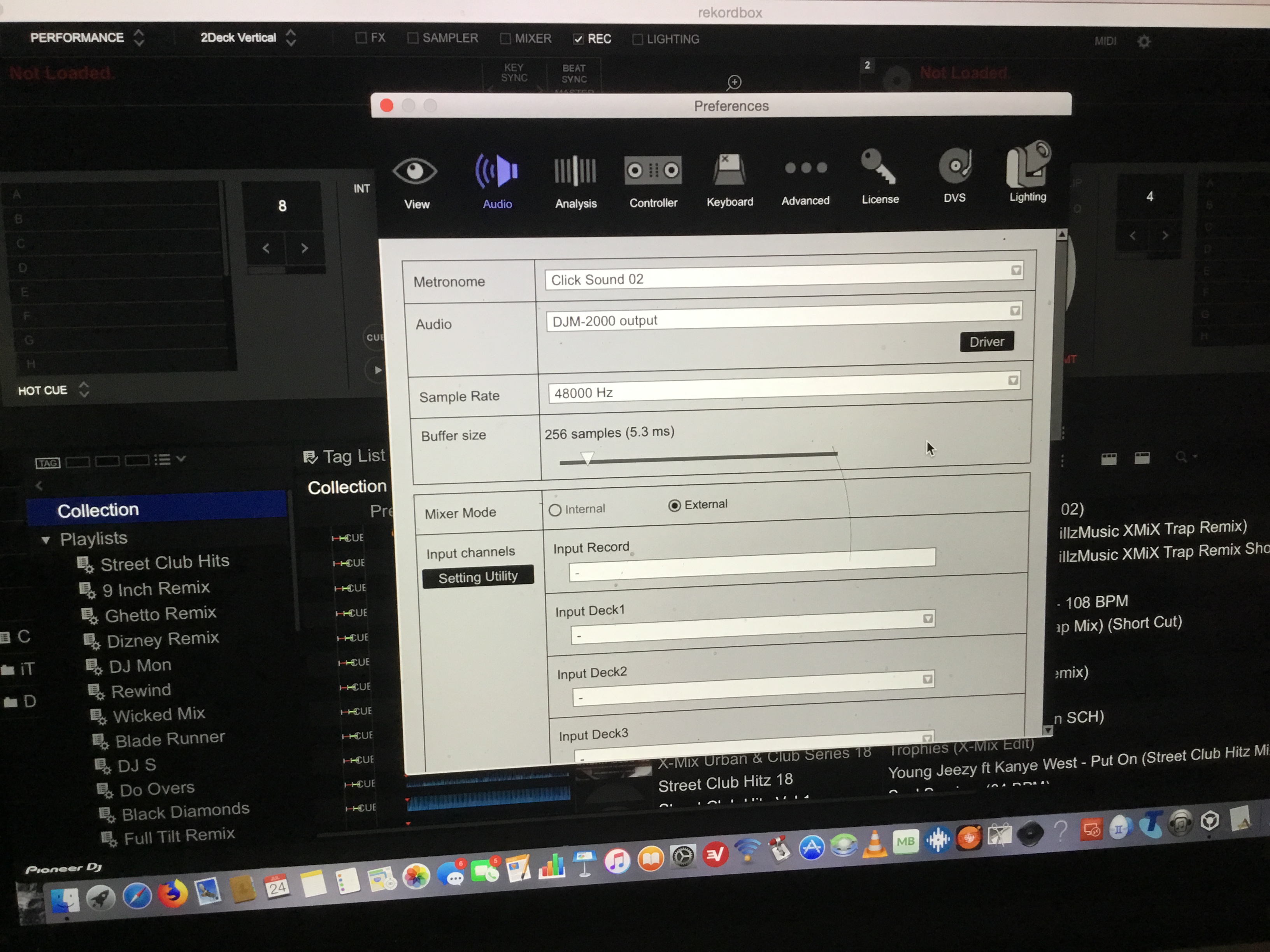
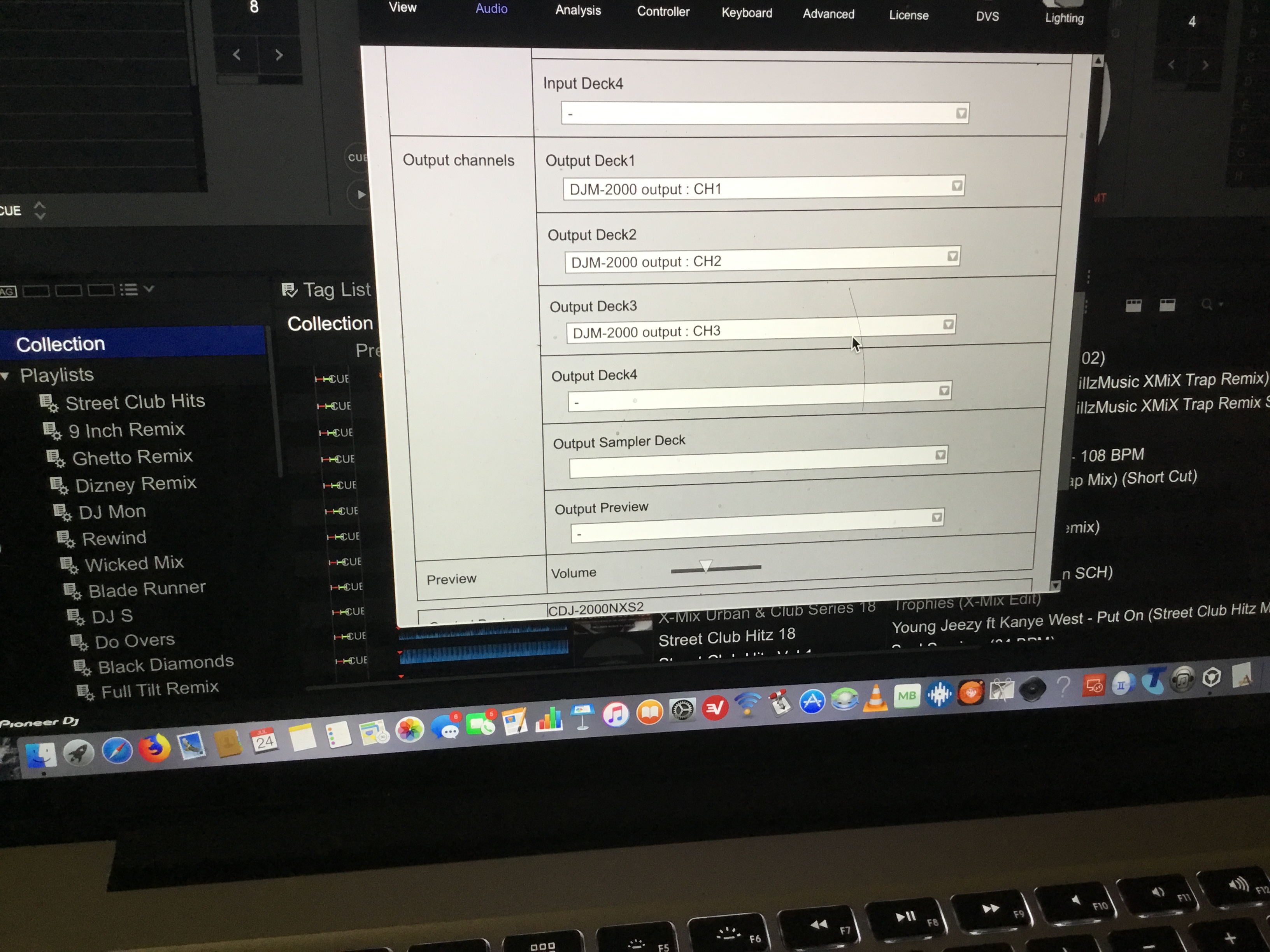
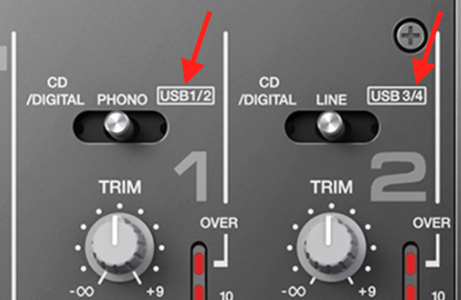
Configure rekordbox to output the audio directly to the DJM as opposed to the CDJs (it's simpler that way).
Press the MIDI button on the CDJs, and with rekordbox in PERFORMANCE mode, it will ask (on the players) which deck you want to connect to, select the deck with the encoder knob, then press it to confirm.
Not much else you need to do!
If you waned to use rekordbox as an intelligent hard drive (with all the work being done on the players themselves), you can use the same connections, but install the LINK EXPORT drivers, and only connect one CDJ via USB, then use the ProDJ (ethernet) link to connect each of the players and the mixer. You don't need to connect the mixer via USB for this either.