Comentário oficial

Answered here; please don't cross-post.
Ações de comentário

I am having a problem hearing a cue track with headphones on Deck A as Deck B plays out of speakers. I click the cue button on deck A but nothing happens. The cue light doesn't even turn on. But when I have a track playing on Deck A as master playing out of speakers, I AM ABLE to click Deck B cue button and HEAR out of my headphones. Just can't do it the other way around when Deck B is master and Deck A is cue. I CAN ENABLE it through the software, but can't get it to turn on/off when the PHYSICAL button is pressed on the controller.
Is my deck A cue button broken?
Would appreciate assistance!


Answered here; please don't cross-post.
Publicação fechada para comentários.
That is not the same issue I have. That issue is not being able to get sound through headphones.
I am able to do that. I am not able to click the Deck A cue button on the controller to hear through headphones. I can click Deck B button, that works. Deck A doesn't. I could also click Deck A cue button on the Rekordbox SOFTWARE interface on my MacBook, and be able to hear Deck A cue. What I CAN'T do is turn cue on/off when pressing the physical Deck A cue button on the actual controller.
Can you please address my specific problem.
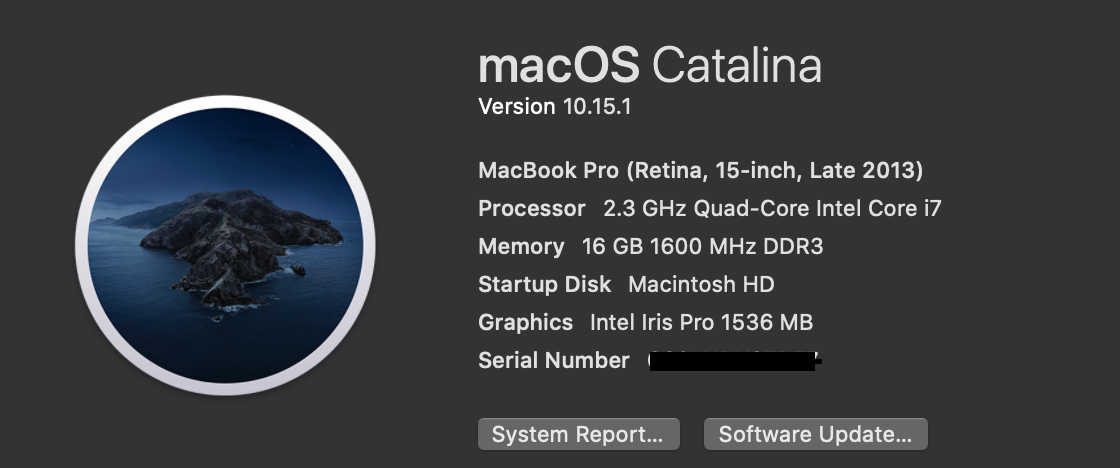
Please check that it's installed properly first - open your System Information app and go to Software > Disabled Software on the left, post a screenshot if anything is listed on the right.
Nothing is listed in System Info > Software > Disabled Software.

Okay, can you show a screenshot of the Audio MIDI Setup application's Audio Devices window please.

No, sorry - that's the MIDI window within rekordbox. I need to see this:

Audio MIDI Setup application's Audio Devices window please.
Oh gotcha! Sorry about that. Here it is:


Any further help??
Please.

Amazing pioneer support, im having a similar issue and noone seems to care, my god.

Same issue for me. No sound in headhpone. All configurations seem fine. Channel 1 CUE is turned on. Headphone mixing is pointing to CUE and level is set in the middle. Any idea how to get music in headphone?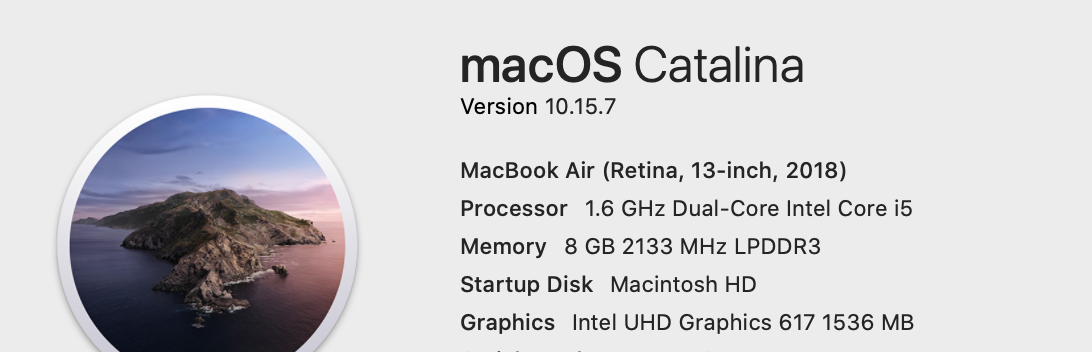

Same issue with mine.

I currently have the same issue. I think it might have been the latest update as everything was fine prior to me updating to the latest version of Rekordbox. Can Pioneer like actually reply to peoples requests as I have been waiting days for their support to come back to me...


